Line 6 Helix Stadium Native Review: The Ultimate Amp Modeler for DAW Users?

The digital guitar processing landscape has undergone a significant transformation over the past decade, shifting from hardware-exclusive processors to powerful software solutions that integrate directly into modern Digital Audio Workstations (DAWs). Line 6, a pioneer in digital modeling technology with its iconic POD and Helix hardware series, has long been a dominant force in this market. Following the release of its latest hardware iterations, the company has officially launched its highly anticipated software evolution: Helix Stadium Native. Priced at $399.99, the plugin arrives with a wealth of technological upgrades designed to challenge the supremacy of native mixing tools and third-party amp sims alike, while holding the line on pricing compared to its predecessors.
What is Helix Stadium Native?
Helix Stadium Native is an advanced guitar amplifier and effects modeling plugin designed exclusively for DAW integration, supporting major platforms such as Pro Tools, Logic Pro, and Ableton Live. As a direct software counterpart to Line 6’s latest hardware ecosystems, it aims to deliver the uncompromised sonic fidelity and routing flexibility of a physical floor processor directly inside a computer-based recording environment.
While the $399.99 price point places it firmly in the premium tier of music production software, Line 6 has historically maintained aggressive discount cycles, offering potential buyers opportunities during seasonal sales. Furthermore, for users hesitant to commit immediately, a free "Intro" version is available for download, featuring five Agoura amp models, 16 effects, and support for up to four Proxy Clones per preset.
Key Technological Upgrades and System Requirements
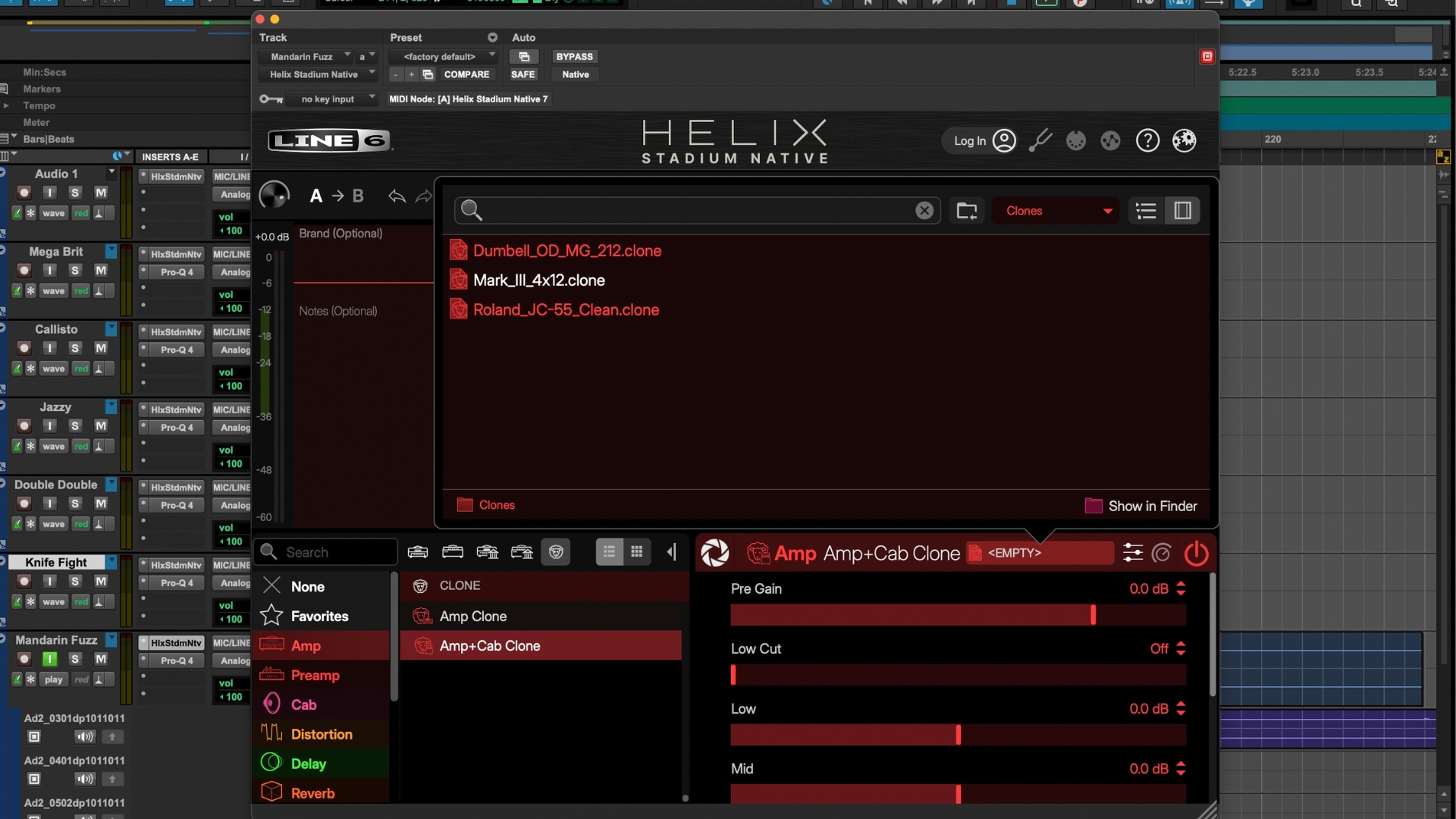
The transition from the legacy Helix Native platform to the Stadium edition brings several under-the-hood enhancements and interface redesigns tailored to modern studio workflows. Most notably, Helix Stadium Native introduces support for Proxy Clones—Line 6’s proprietary take on machine-learning-based amp and effects capture. Users can now load up to 48 clones per preset, vastly expanding the sonic palette beyond algorithmic modeling.
Cabinet impulse response (IR) handling has also received a massive overhaul, upgrading to 32-bit float processing. Every cabinet block now features dual-sound capabilities, and engineers can insert processing blocks between linked amplifiers and speaker cabinets, as well as utilize sidechain dynamics and specialized filter blocks.
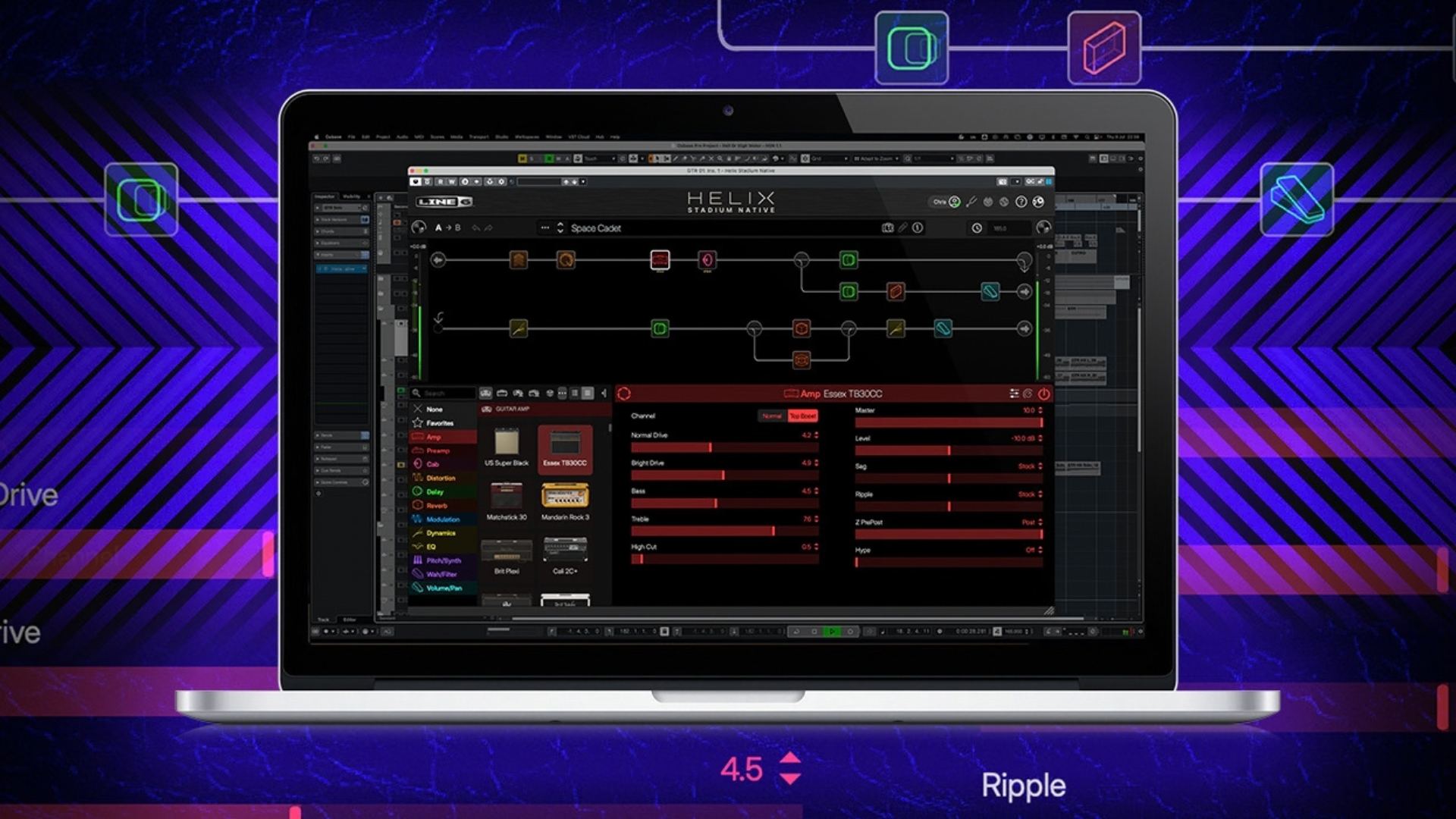
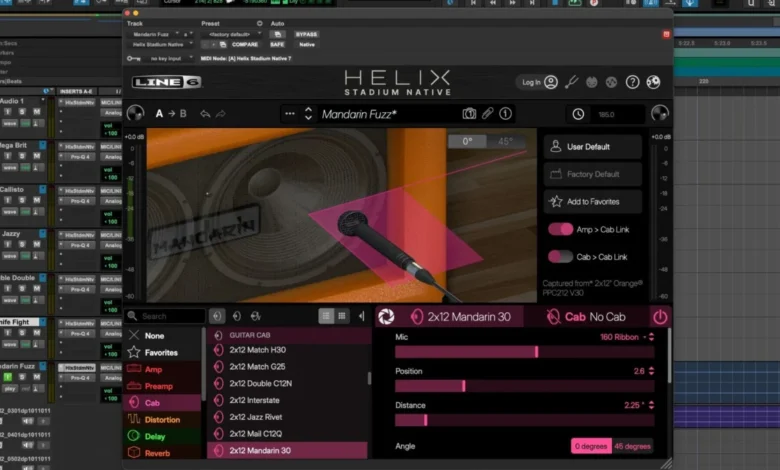
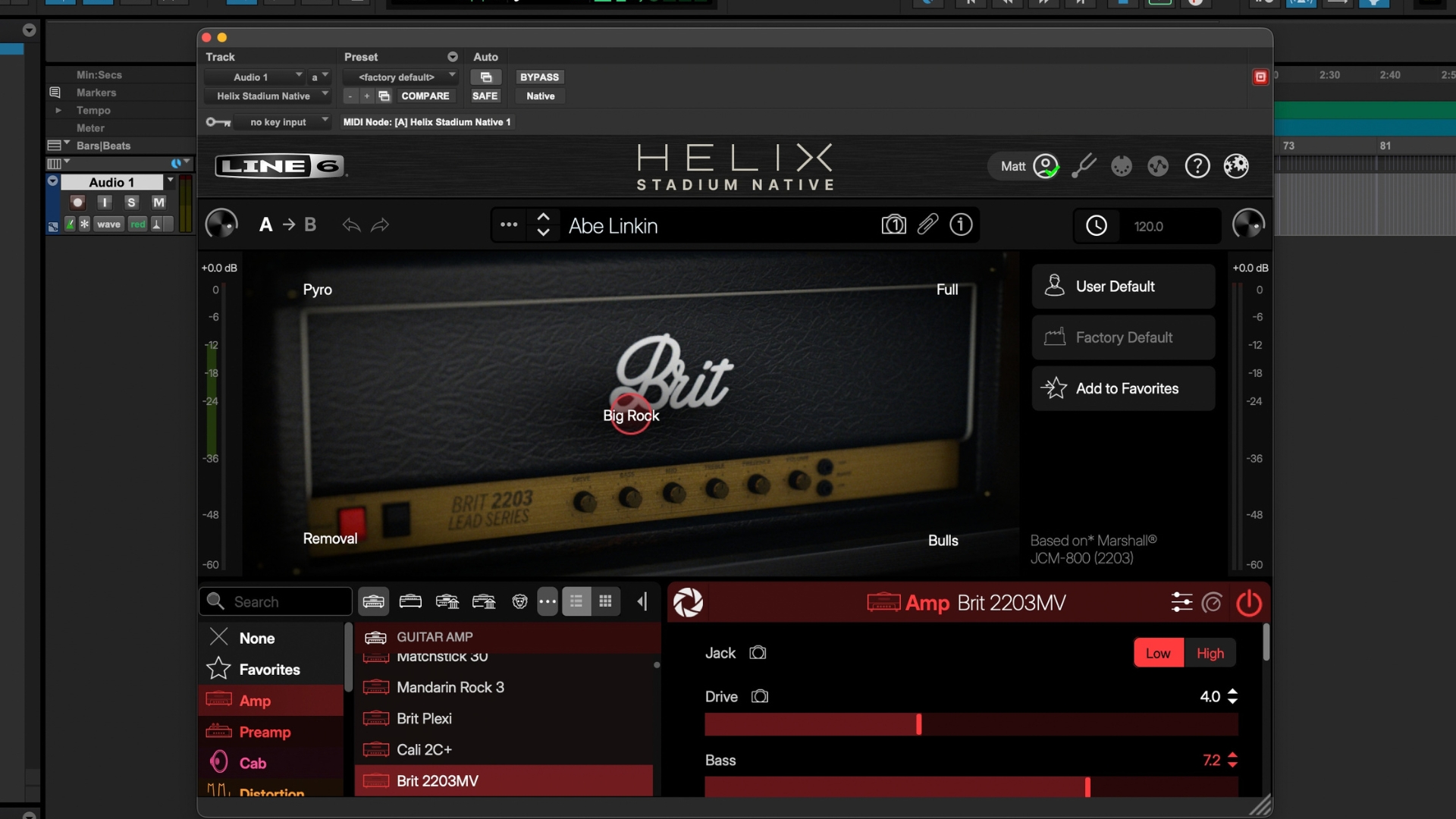
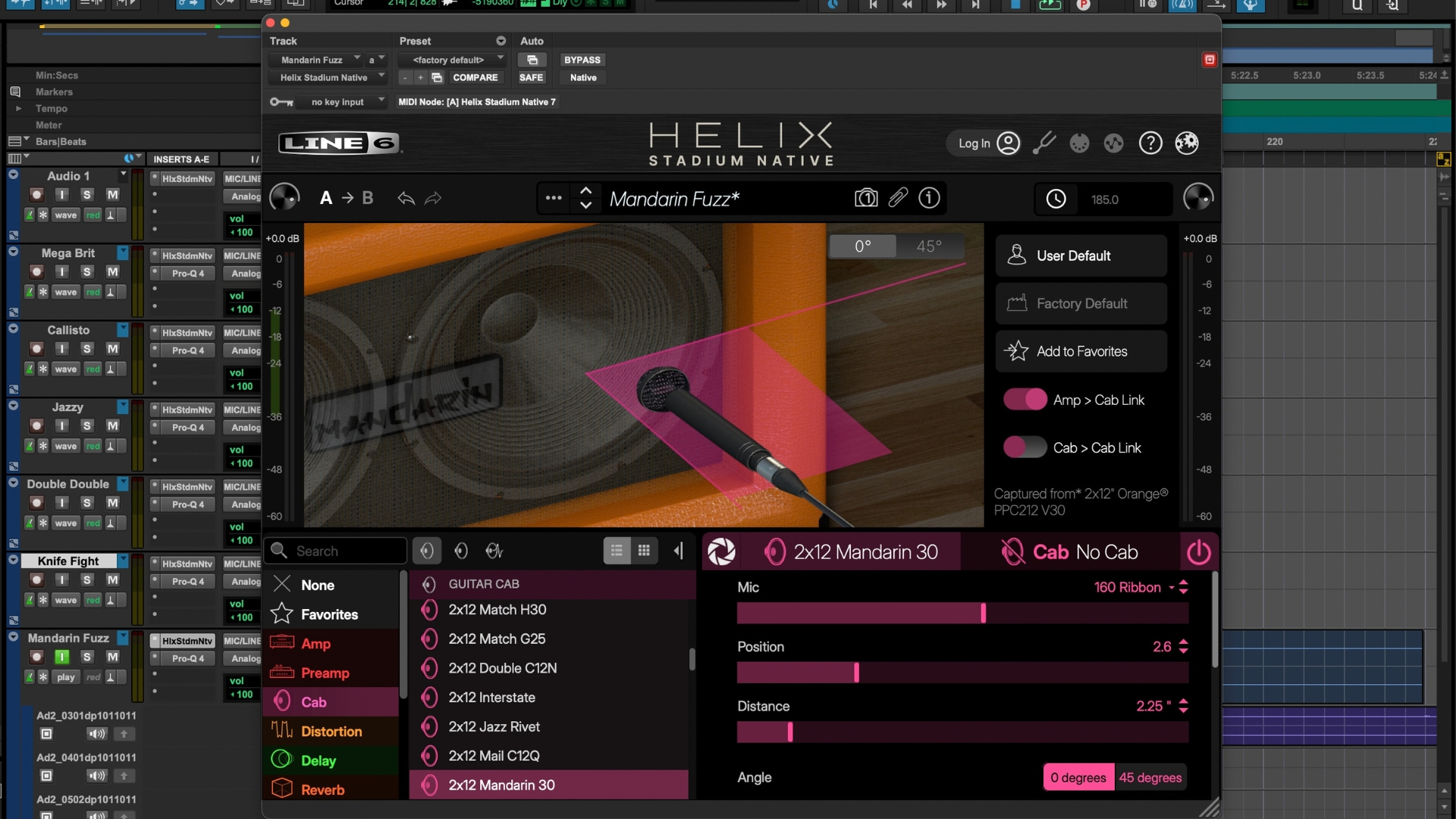
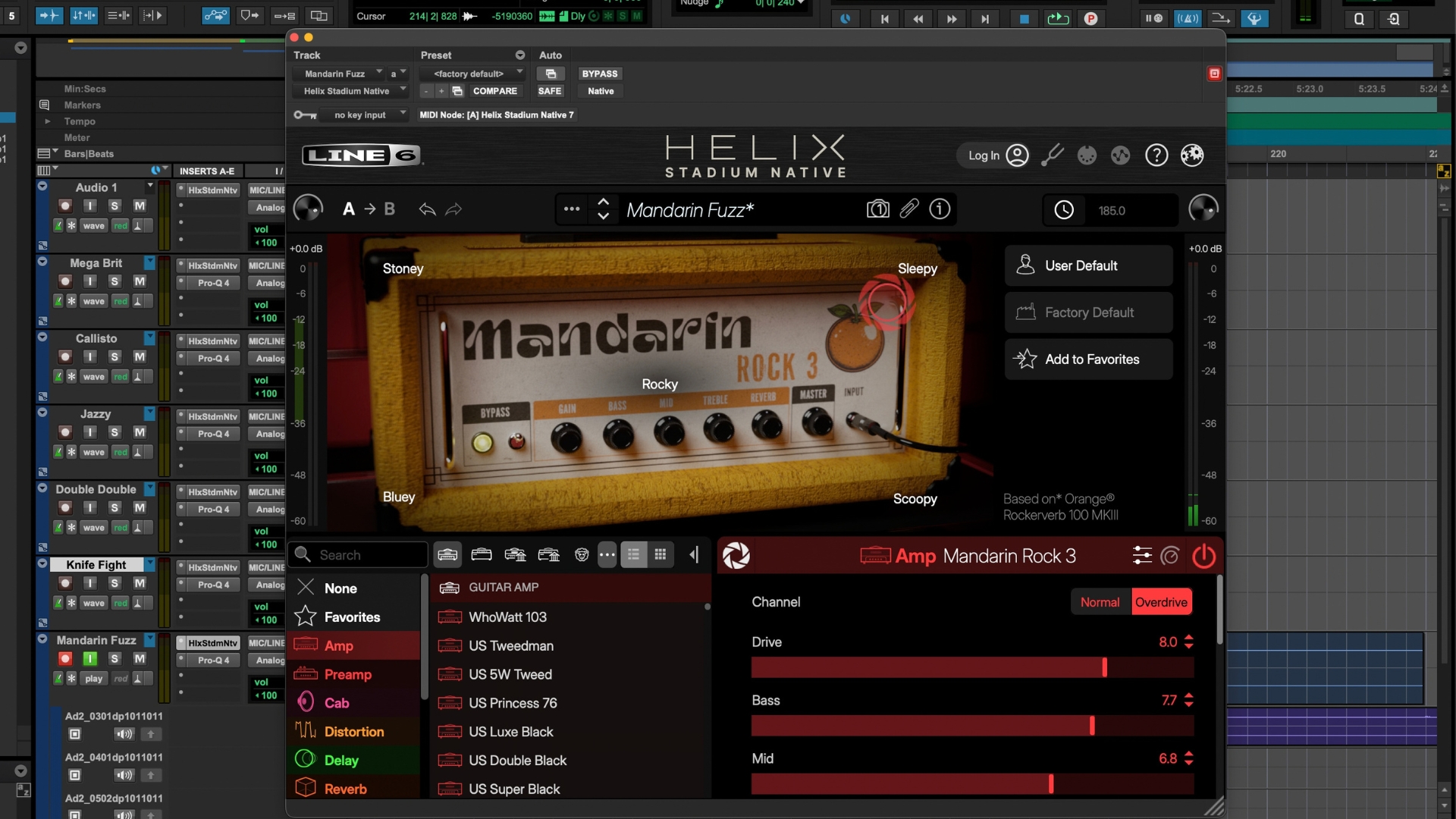
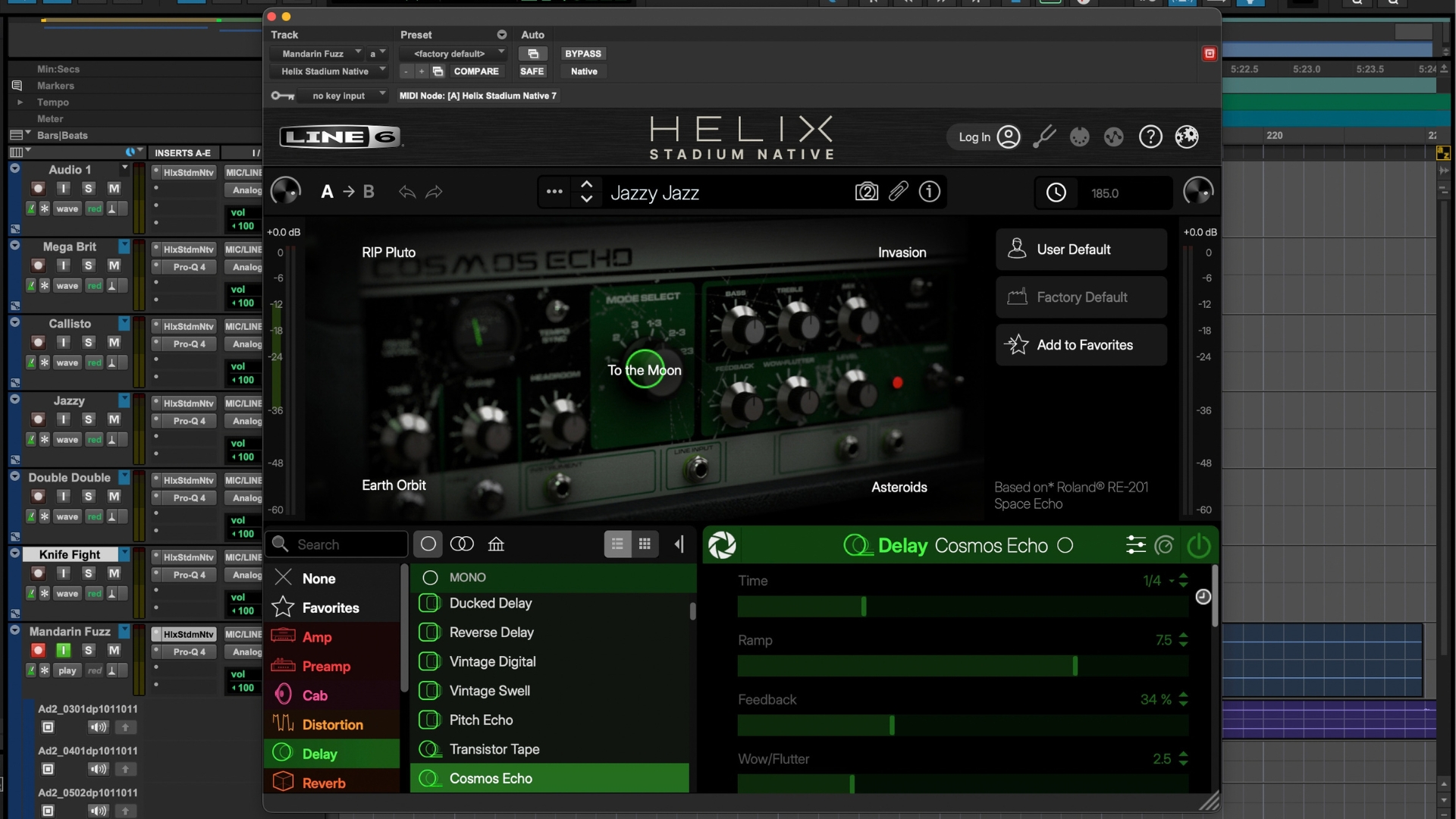
Visually and operationally, the user interface has been completely overhauled with high-definition graphics, crisp text scaling, and a resizable window that retains user-defined dimensions across DAW sessions. The introduction of "Focus View"—accessed via an aperture icon on select amps and cabs—allows users to intuitively drag onscreen controls, such as microphone positioning relative to the speaker cone, for rapid tonal adjustments.
However, these enhancements demand significantly more computational power. System requirements have doubled from the previous generation, now requiring a minimum of 8GB of RAM and 1GB of available hard drive space.
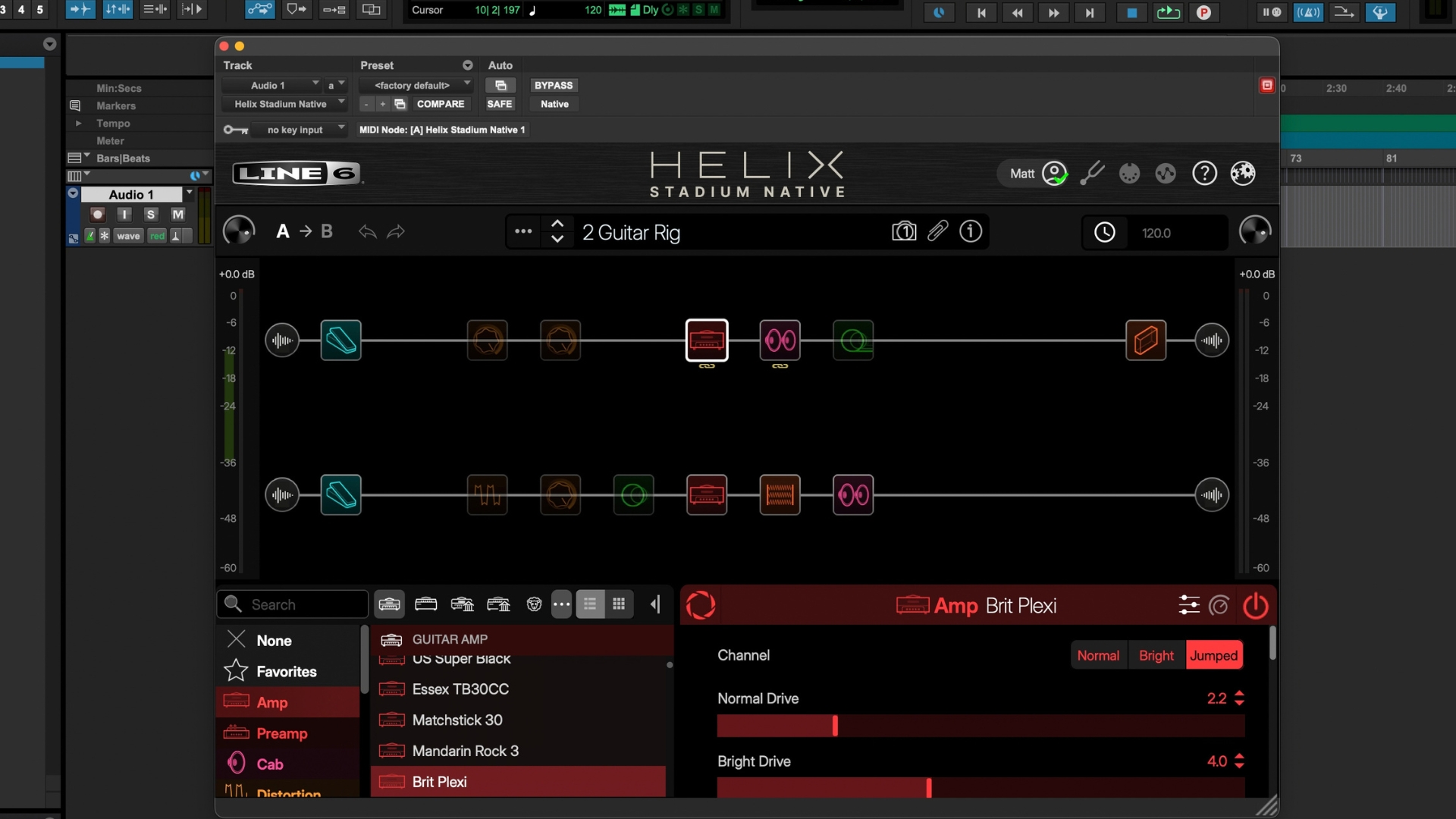
Usability and Workflow Integration in the DAW
Installing and authorizing Helix Stadium Native is a streamlined process managed via the Line 6 portal and activated through standard plugin registration protocols. Upon launching a DAW such as Pro Tools, the plugin populates natively within the instrument and insert racks without requiring manual file directory management.
In practice, the plugin proves remarkably stable, even under heavy computational stress. Testing across complex signal chains—including pitch-shifting blocks and multiple delays running simultaneously at a low buffer size of 32 samples—revealed negligible DSP strain, with zero audio artifacts or latency issues. Presets like the Marshall Super Bass-inspired "Brit MegaGuitar" demonstrate the system’s ability to handle intricate signal routing without compromising audio fidelity.
Despite these strengths, minor ergonomic friction points remain. The graphical toggles for activating or bypassing individual signal blocks can be difficult to engage due to their diminutive size against faded backgrounds. Additionally, instances of the plugin exhibit a brief delay upon initial window recall during active recording sessions, a minor workflow interruption that may warrant optimization in future software patches.
Sonic Performance and Real-World Testing
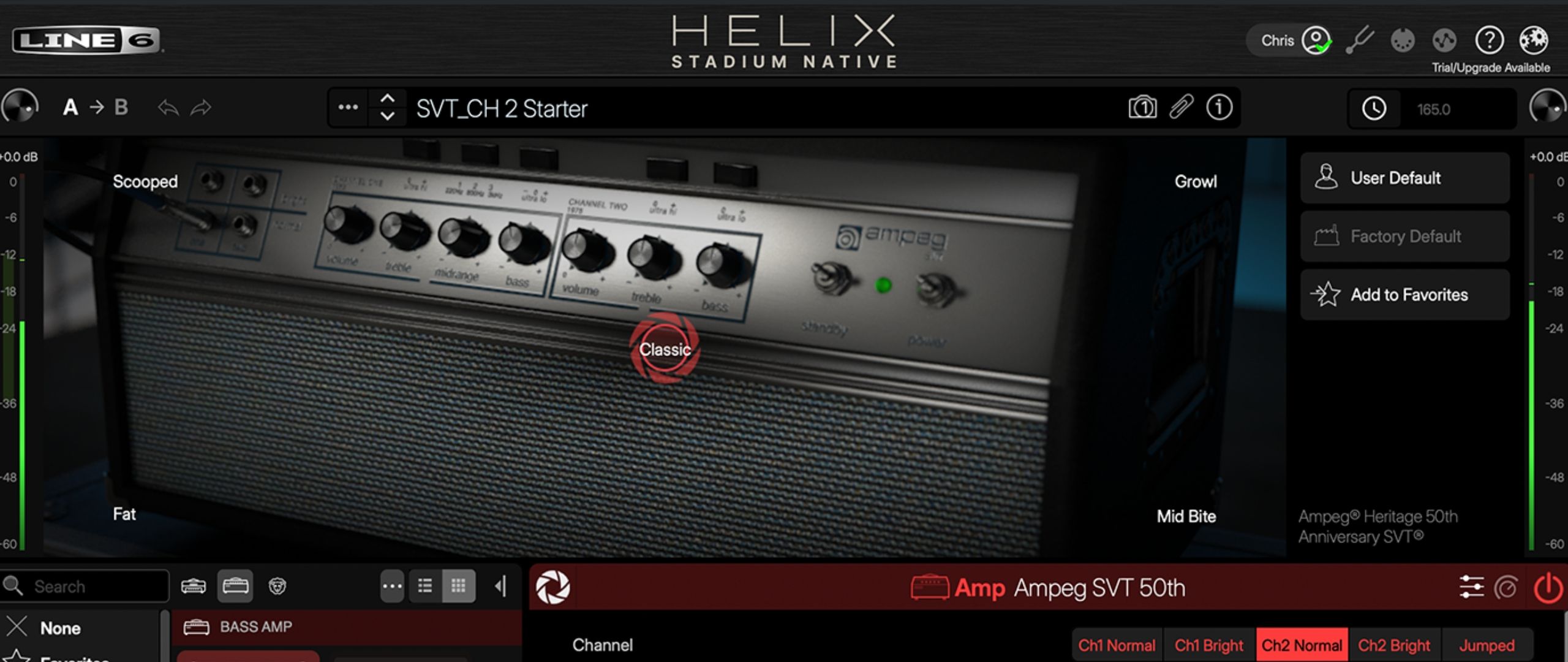
The true metric of any amplifier simulator lies in its acoustic output, and Helix Stadium Native excels across a vast spectrum of traditional and contemporary tones. The newly introduced Agoura amplifier models—emulating legendary hardware platforms such as the Fender Deluxe Reverb, Marshall Super Bass, Ampeg SVT, and Soldano SLO-100—exhibit extraordinary dynamic sensitivity.
When evaluating clean platforms like the Fender-inspired Agoura models, the software captures the characteristic mid-range scoop and natural breakup response when picking dynamics are pushed. High-gain and heavy rock patches, such as the dual-amp configuration pairing the Ampeg SVT and Soldano SLO-100, yield dense, articulate, and harmonically rich distortion profiles suitable for professional mix environments.
Furthermore, the integration of 32-bit float IR processing ensures that spatial effects, delays, and reverbs maintain exceptional clarity, preventing muddy build-ups even in dense, self-oscillating signal chains.
Market Position and Competitive Implications
Helix Stadium Native enters a highly competitive software ecosystem populated by formidable alternatives, including Universal Audio’s Paradise Guitar Studio, IK Multimedia’s Tonex, and Positive Grid’s Bias X. While competitors often undercut Line 6 on price—such as Universal Audio’s $199 offering—few match the sheer depth of routing flexibility, block management, and third-party capture integration provided by the Stadium architecture.
The absence of a standalone application mode may deter musicians who prefer a simple desktop practice tool without booting up a DAW. Nevertheless, for career producers, mixing engineers, and guitarists tracking entirely "in-the-box," Helix Stadium Native establishes a benchmark for versatility and acoustic realism.
Verdict and Industry Outlook
Helix Stadium Native is undoubtedly a substantial financial investment for non-hardware users, yet its comprehensive feature set justifies the cost for serious recording artists. By bridging the gap between deep algorithmic modeling and modern machine-learning captures, Line 6 has delivered one of the most exhaustive and sonically accurate guitar plugins available on the market. While minor UI adjustments and faster window loading times would refine the experience further, the software succeeds in delivering mix-ready guitar tones that require minimal external processing once printed to a track.
Related posts: