
Entering the modern digital creator economy requires navigating an intensely competitive landscape defined by shifting algorithmic preferences, the saturation of automated artificial intelligence content, and rising viewer expectations. While launching a YouTube channel demands minimal technical friction—often taking mere minutes to establish an online presence—securing long-term audience retention, organic subscriber growth, and eventual platform monetization remains a formidable hurdle. Aspiring content creators frequently discover that theoretical concepts of channel management diverge sharply from the practical realities of video production. To bridge this gap, experienced videographers and veteran producers emphasize foundational mastery over hardware excess. By prioritizing optimal image capture, professional-grade audio hygiene, cost-efficient software acquisition, licensed media management, and strategic visual pacing, beginners can establish a competitive baseline without incurring prohibitive upfront capital expenditures.
The Evolution of Content Creation and the Low Barrier to Entry
The digital video platform market has transformed radically since its inception, evolving from a repository for amateur home videos into a multi-billion-dollar global entertainment and educational ecosystem. Concurrently, the barrier to entry has plummeted. Modern smartphones equipped with advanced multi-lens camera arrays and high-performance system-on-chip processors rival dedicated consumer digital single-lens reflex (DSLR) and mirrorless cameras of the previous decade. Consequently, millions of prospective creators attempt to break into the market annually.
However, this democratization of tools has created an unprecedented volume of digital output. Algorithm updates increasingly prioritize audience retention metrics—such as average view duration and click-through rates—over raw posting frequency. Furthermore, the proliferation of automated content generation tools has flooded niches with homogenized material, forcing human creators to elevate production values to command attention. Industry analysts note that while equipment costs have decreased, the strategic allocation of resources during the pre-production, filming, and post-production phases is now the primary determinant of channel viability. Understanding the technical nuances of shooting and editing early in a creator’s lifecycle prevents costly detours and mitigates the risk of early burnout.
Optimizing Video Capture: Leveraging Existing Hardware and Native Resolution
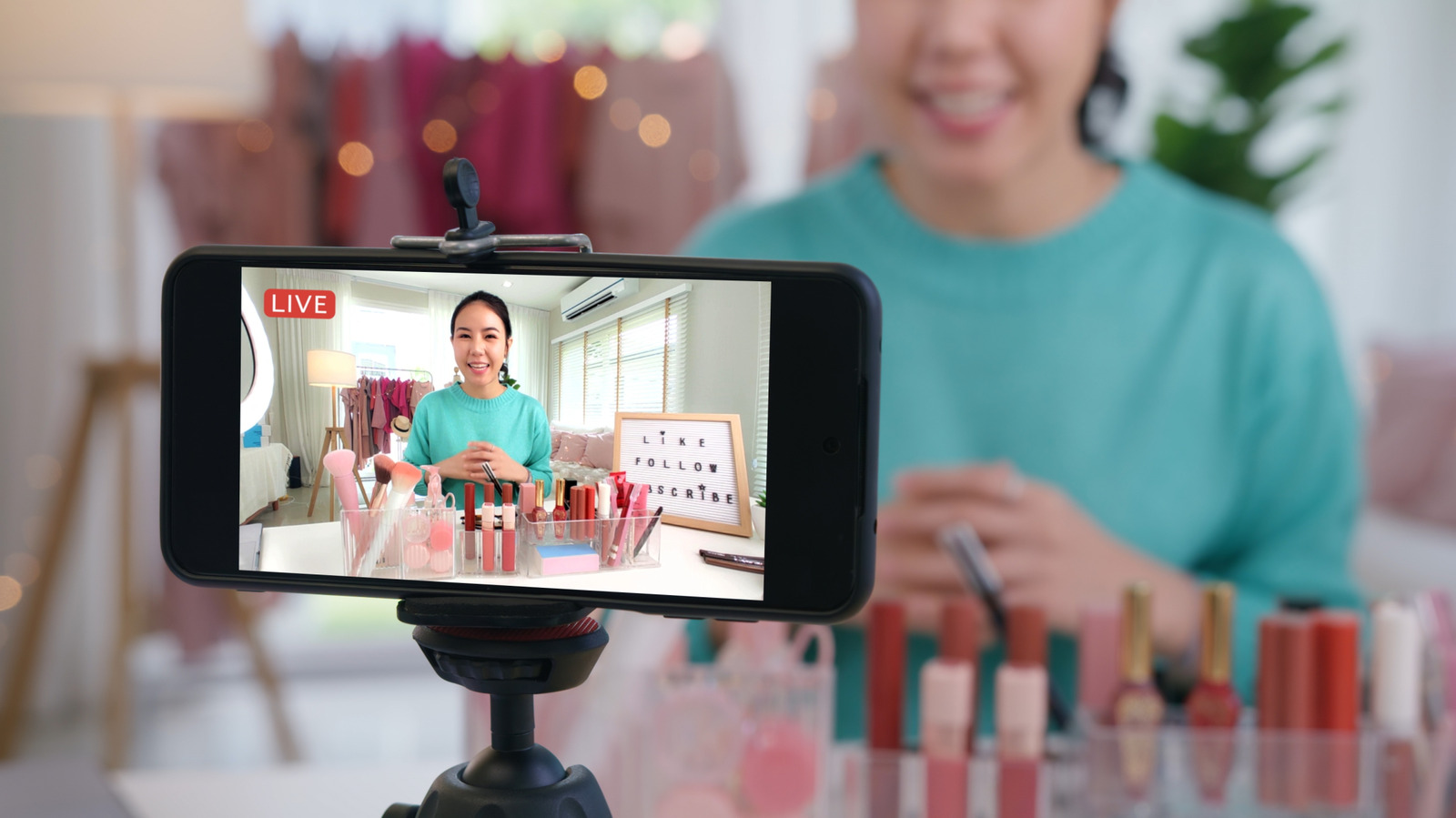
A prevalent misconception among beginner content creators is the immediate necessity of investing in professional cinema cameras. In practice, contemporary mobile devices serve as highly capable production tools. Smartphones released within the last several years routinely feature back-facing camera arrays capable of capturing ultra-high-definition 4K video at fluid frame rates. Industry standards suggest configuring mobile recording parameters to 4K resolution at 30 frames per second (fps). This configuration strikes a precise balance: it captures sufficient visual fidelity and pixel density to accommodate post-production stabilization, digital cropping, and panning without noticeable degradation, while preventing file sizes from expanding beyond manageable limits.
Furthermore, shooting in high resolutions caters to the growing demographic of consumers who access video streaming services via living room 4K television displays, where legacy 1080p footage frequently appears soft or artifact-heavy. Creators are strongly advised to bypass the lower-quality front-facing selfie cameras in favor of the primary rear sensors. To manage physical constraints such as internal storage depletion during extended recording sessions, producers utilize external solid-state drives (SSDs). Formatted correctly in universally supported file systems such as exFAT or APFS, external SSDs connect directly to mobile devices via USB-C ports, offering terabytes of rapid, reliable recording space at increasingly accessible market prices.
Illumination and Environmental Control
Visual clarity is inextricably linked to lighting quality, often serving as the dividing line between amateur productions and professional broadcasts. Natural illumination remains the gold standard for independent creators. Filming during the meteorological "golden hour"—the brief periods shortly after sunrise and immediately before sunset—provides diffused, directional lighting that enhances facial contours without harsh shadows. Conversely, direct backlighting causes severe underexposure and silhouetting, while unmanaged front lighting flattens facial features.
For controlled indoor environments where natural light is unavailable or inconsistent, artificial lighting solutions need not be exorbitantly expensive. While professional softbox lighting kits and dedicated background accent lights represent optimal investments for established channels, bootstrap alternatives—such as positioning a high-output LED flashlight behind a stretched, neutral-colored textile diffuser—can yield surprisingly polished results. Coupled with a stable mounting apparatus to eliminate camera shake and a purposefully curated background featuring minimalist architectural elements or organized shelving, a well-lit composition establishes immediate visual credibility.
The Critical Importance of Audio Fidelity
While viewers may occasionally tolerate suboptimal video resolution, subpar audio is universally cited as the primary catalyst for immediate audience abandonment. Built-in mobile device microphones, positioned at a distance from the speaker, capture ambient room reflections, HVAC hums, and acoustic echo, yielding an unacceptable listening experience that brands a channel as amateur. Consequently, audio capture requires dedicated hardware intervention or disciplined acoustic separation.
Wireless microphone systems have experienced a significant democratization in pricing and form factor. Compact dual-transmitter kits, such as the DJI Mic Mini or entry-level alternatives like the Boya Mini 2, provide broadcast-quality audio capture at a fraction of traditional studio gear costs. These units clip inconspicuously onto apparel, maintaining consistent audio levels regardless of camera distance, and excel in dynamic or outdoor recording environments.
Alternatively, creators operating on strict financial constraints can employ dual-system recording techniques. Utilizing a secondary mobile device or a modern laptop equipped with studio-grade internal microphone arrays—such as those found in current Apple Silicon MacBook Pro configurations—allows for isolated audio recording that can be synchronized with video footage during post-production. Dedicated USB podcast microphones, including the Fifine K688, offer another reliable hardware tier for desktop-bound commentary and voiceover work.
Navigating Video Editing Software Without Excessive Expenditure
Post-production workflows have historically been dominated by high-cost subscription models, exemplified by industry suites like Adobe Creative Cloud. However, the software market now offers robust alternatives that cater to varying skill levels without imposing heavy financial burdens on nascent enterprises.
For creators operating within specific operating system ecosystems, native applications provide exceptional utility for basic editing tasks. macOS users frequently utilize iMovie, while Windows counterparts leverage Microsoft Clipchamp, both of which handle essential trimming, transitions, and multi-track audio alignment efficiently. For users requiring advanced timelines, color grading suites, and keyframe animation tools without cost barriers, open-source platforms such as Kdenlive deliver comprehensive feature sets.

Furthermore, professional-grade grading and editing suites like Blackmagic Design’s DaVinci Resolve offer highly capable free editions that rival paid software. Creators requiring advanced node-based color correction and sophisticated audio mixing tools can later transition to the studio edition via a one-time perpetual license rather than recurring monthly fees. For those opting for paid professional suites, bundled offerings such as Apple Creator Studio provide comprehensive cross-platform creative access—encompassing video editing, digital audio workstations, and vector illustration software—at predictable annual rates that compare favorably to legacy subscription pricing structures.
Copyright Compliance and Asset Acquisition
The integration of background musical scores and sound effect design elevates narrative pacing and viewer retention. However, unauthorized usage of copyrighted audio intellectual property frequently triggers automated Content ID claims, revenue monetization blocks, or formal copyright strikes that can jeopardize a channel’s standing with platform administrators.
To mitigate these risks, creators must source media strictly through authorized channels. YouTube Studio provides an expansive, curated internal audio library containing hundreds of royalty-free musical tracks and sound effects cleared for platform use, often requiring only basic creator attribution in the video description. Independent digital repositories like Freesound offer crowdsourced auditory assets under similar open licenses.
Additionally, independent composers frequently distribute portions of their catalogues under Creative Commons frameworks, permitting free utilization for non-commercial and commercial creators alike upon proper crediting. Prominent independent musicians, including Hotham, Atch, and Scott Buckley, maintain permissive licensing structures that have become staples within the independent creator community. For productions demanding premium, exclusive soundscapes, subscription-based licensing services like Epidemic Sound offer comprehensive legal indemnification and extensive searchable libraries via trial and subscription tiers, representing a vital investment for scaling channels.
Strategic B-Roll Acquisition and Visual Pacing

Audience retention metrics demonstrate that static, single-angle talking-head shots correlate with declining viewer interest over extended durations. To maintain cognitive engagement, successful creators intersperse primary dialogue tracks with secondary visual assets, collectively known as B-roll footage. Effective pre-production planning mandates the deliberate acquisition of supplemental visual material that contextualizes, illustrates, or amplifies the spoken narrative.
When producing product reviews, educational analyses, or narrative vlogs, creators are encouraged to capture extensive auxiliary footage across varied environments—such as macro close-ups on textured surfaces, contextual wide shots in public spaces, and active demonstrations of utility. Beyond physical camera work, dynamic B-roll incorporates high-resolution screen recordings, user interface captures, and meticulously curated stock video segments sourced from platforms like Pexels. Adherence to fair use doctrines and rigorous verification of digital asset permissions ensure long-term channel compliance, safeguarding published works against unexpected takedown requests and preserving cumulative platform equity.