Mastering Action Camera Footage: How to Eliminate Aliasing and Jaggies in Adobe After Effects

The rapid advancement of consumer electronics has made high-definition and ultra-high-definition recording devices accessible to millions of content creators worldwide. Action cameras, drones, and modern smartphones allow individuals to capture dynamic, fast-paced environments from unique perspectives previously reserved for high-budget cinematic productions. However, the miniaturization of hardware necessary to build these compact devices introduces distinct optical and digital challenges. Among the most persistent technical hurdles for videographers is aliasing—a digital distortion artifact that manifests as jagged, stair-stepped edges on high-contrast lines and fine textures. While traditional post-production workflows have relied on blunt corrective measures like global blurring, modern solutions such as the free FXAA plugin for Adobe After Effects offer a targeted, highly efficient alternative for restoring visual fidelity.
Understanding the Mechanics of Aliasing in Digital Video
To comprehend why aliasing occurs so frequently in modern action videography, one must examine the fundamental mechanics of digital image capture. Aliasing is fundamentally a sampling error. When a digital camera sensor records a scene, it translates continuous visual information into discrete pixels. If the spatial frequency of the subject—such as the distant rigging of a sailboat, architectural brickwork, or ripples on water—exceeds the Nyquist limit of the sensor’s resolution, the sensor fails to capture sufficient detail. Instead of rendering a smooth line, the digital grid approximates the curve or diagonal, resulting in a jagged visual artifact commonly referred to as a jaggie or stair-stepping effect.
This phenomenon is exacerbated by the physical constraints of action cameras and drones. To maintain a compact, lightweight form factor capable of withstanding extreme physical shock and mounting versatility, manufacturers must utilize exceptionally small image sensors paired with wide-angle lenses. These miniature sensors pack millions of pixels into surface areas a fraction of the size of traditional mirrorless or cinema camera sensors. Consequently, individual photosites receive less light and have a harder time accurately resolving fine, high-frequency details.

The Role of In-Camera Sharpness and Compression Artifacts
Compounding the limitations of small sensors is the processing pipeline embedded within most consumer action cameras. Out of the box, devices from manufacturers like GoPro, DJI, and Insta360 are pre-programmed with aggressive in-camera video sharpening algorithms. These algorithms are designed to make footage look immediately punchy and detailed on small screens, appealing to casual consumers who share directly to social media platforms without editing.
For professional editors and independent filmmakers, however, this forced over-sharpening is often detrimental. It artificially boosts edge contrast, which dramatically amplifies existing aliasing and introduces harsh haloing around objects. Furthermore, because action cameras frequently record fast motion—such as a vehicle speeding along a racetrack or waves crashing against a hull—video codecs must compress massive amounts of visual data within tight bitrate constraints. This heavy compression introduces macroblocking and mosquito noise, which interact with aliased edges to create a distracting, shimmering flicker that can render footage unusable for professional broadcast or cinematic distribution.
The Traditional Post-Production Approach: Gaussian Blur
Historically, video editors facing severe aliasing and over-sharpened action camera footage had limited recourse in post-production. The standard industry workaround involved applying a subtle Gaussian Blur effect across the entire video clip. By softening the image slightly, editors could successfully dull the harsh, jagged edges responsible for the aliasing flicker.
While functional, this legacy method carries a significant drawback: it is entirely non-selective. Applying a Gaussian Blur affects every single pixel within the frame indiscriminately. Fine details that are crucial for image clarity—such as distant foliage, skin textures, and sharp architectural lines that do not suffer from aliasing—are unnecessarily degraded in the process. Editors were forced to strike a delicate, often frustrating compromise between retaining overall image sharpness and eliminating distracting digital artifacts. Typically, applying a blurriness value of two in Adobe After Effects was considered the threshold for subduing the flicker without turning the entire frame into an unacceptably soft wash.
The Rise of Modern Edge-Detection: The FXAA Plugin
Recognizing the limitations of global blurring techniques, developers within the motion graphics and visual effects community have sought algorithmic solutions tailored specifically to digital artifact reduction. Among the most successful innovations for video editors is Fast Approximate Anti-Aliasing (FXAA), a free plugin developed by Plugin Everything for Adobe After Effects.
Originally adapted from real-time rendering techniques used extensively in the video game industry, FXAA operates on a fundamentally different principle than traditional blurring. Rather than softening the entire frame, the FXAA plugin scans the video composition pixel by pixel using an advanced edge-detection algorithm. Once it identifies high-contrast boundaries where jagged aliasing is occurring, it applies a targeted, localized smoothing effect exclusively to those problem areas.
This intelligent targeting preserves the integrity of the rest of the image. Textures that are not suffering from sampling errors remain crisp and detailed, while the distracting stair-stepped lines are seamlessly blended. Furthermore, because the algorithm is computationally lightweight, FXAA renders exceptionally fast within After Effects, minimizing downtime during the export phase and streamlining the post-production workflow for high-volume creators.
Step-by-Step Implementation in Adobe After Effects
Integrating FXAA into a standard post-production pipeline requires minimal technical overhead, making it accessible to editors of all skill levels. The workflow within Adobe After Effects can be executed in a few straightforward steps:
- Import and select the target action camera or drone footage within the active timeline composition.
- Navigate to the top menu bar, select Effect, proceed to the Plugin Everything submenu, and click on FXAA.
- Observe the immediate reduction in edge jaggies and high-contrast shimmering along diagonal lines.
- For footage suffering from extreme, persistent aliasing due to heavily compressed source files, editors can duplicate the effect within the Effect Controls panel, stacking multiple instances of FXAA to progressively neutralize severe artifacts without resorting to global blurring.
Broader Implications for Independent Filmmakers and Content Creators
The availability of specialized tools like FXAA highlights a broader shift in independent filmmaking and digital content creation. As action cameras and aerial drones become increasingly central to documentary filmmaking, extreme sports coverage, and narrative travel vlogs, post-production software must evolve to bridge the gap between consumer hardware limitations and professional broadcast standards.
Historically, achieving cinematic quality required substantial financial investment in heavy, specialized cinema packages equipped with large Super 35 or full-frame sensors. While large sensors naturally mitigate aliasing through superior light gathering and optical physics, economic and practical constraints often mandate the use of pocket-sized action cameras in tight spaces, hazardous environments, or fast-moving action sequences.
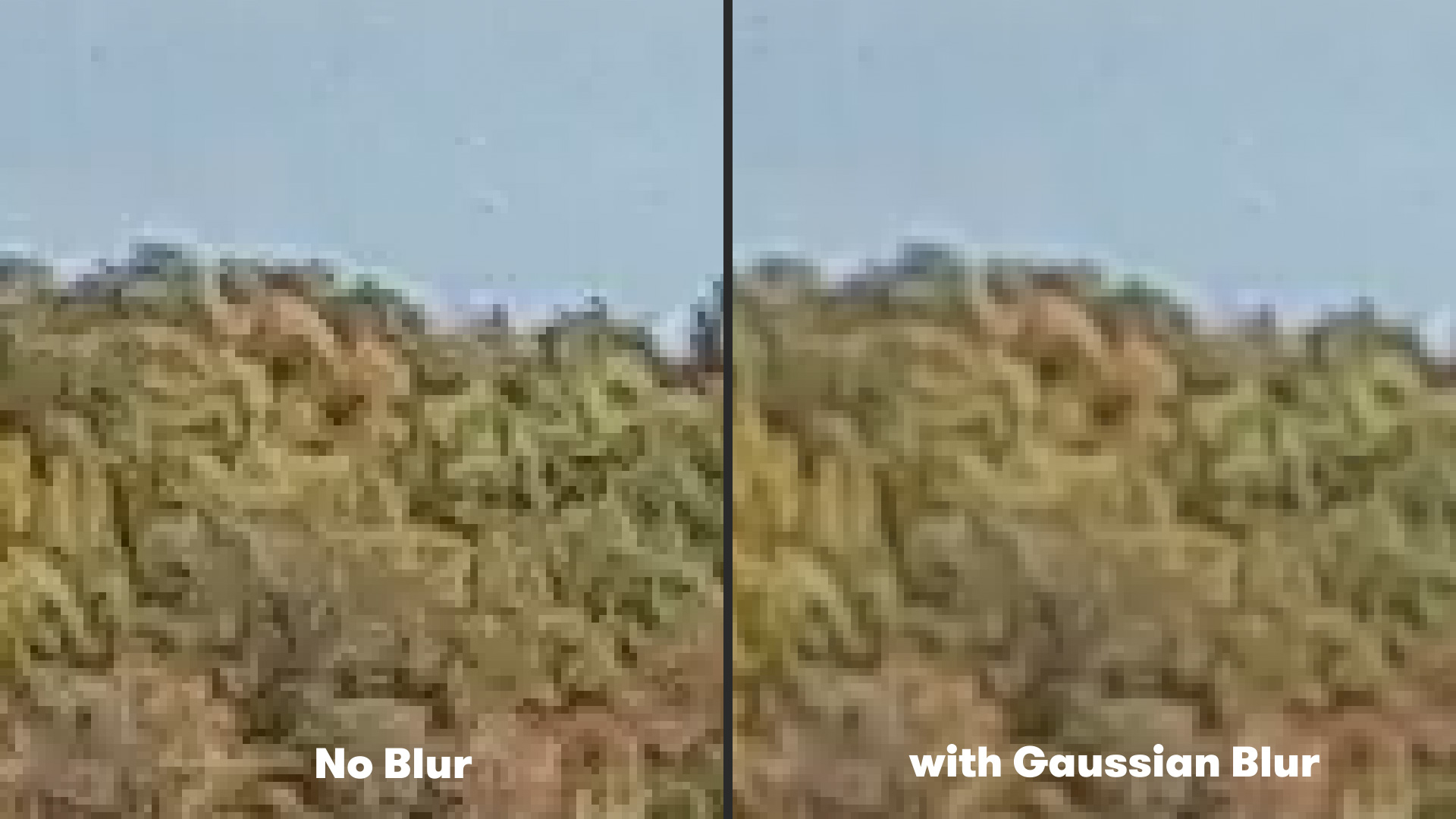
By mastering digital remediation techniques in post-production, independent creators can leverage the undeniable versatility and durability of action cameras without compromising the visual integrity of their final output. Eliminating distracting aliasing artifacts ensures that footage captured from a car bumper, a drone propeller, or a waterproof housing can seamlessly intercut with primary camera footage, maintaining a polished, professional aesthetic throughout an entire production.
Future Outlook and Complementary Post-Production Workflows
As action camera manufacturers continue to push resolutions higher—transitioning from 4K to 8K and beyond—the challenge of data management, compression, and sensor sampling will remain relevant. While future hardware iterations may incorporate more advanced internal processing or global shutter technologies to combat motion distortion, post-production correction will remain an essential safety net for digital artists.
Moreover, addressing aliasing is rarely an isolated task in high-end workflows. Editors working with action camera footage frequently combine anti-aliasing plugins like FXAA with specialized stabilization software, such as dedicated motion-smoothing algorithms or companion applications like ReelSteady GO. By pairing precise stabilization with targeted edge-smoothing, creators can systematically neutralize the two most common flaws associated with action videography: mechanical jitter and digital aliasing.
Ultimately, the democratization of high-frame-rate, high-resolution recording devices demands an equal democratization of advanced correction tools. Through the clever application of edge-detection algorithms in post-production, modern videographers possess the technical capability to transform raw, jagged, and over-sharpened action footage into clean, professional visual media suitable for any screen size.