The rapid evolution of digital technology consistently pushes the boundaries of our connectivity needs, prompting a closer look at the infrastructure that underpins our online experiences. While the convenience of Wi-Fi is undeniable, offering untethered freedom for streaming, video calls, and general browsing, its performance can sometimes falter, making a wired Ethernet connection a superior choice for stability and speed. This leads to questions about the cutting edge of Ethernet technology, specifically regarding the fastest available cables and their practical application. Category 8, or Cat8, Ethernet cable boasts an astonishing top speed of 40 Gigabits per second (Gbps), a figure that might immediately appeal to those seeking the ultimate in network performance. However, simply selecting the fastest cable is not always the most effective or sensible approach.
A comprehensive understanding of Ethernet cable categories, their specifications, and their intended use cases is crucial for making informed decisions about home and business networking. For those considering an upgrade or troubleshooting network bottlenecks, delving into the nuances of cable performance, installation challenges, and compatibility with existing hardware is essential. This exploration will unpack the capabilities of Cat8 cable, compare it to its predecessors, and critically assess its suitability for the average home user, considering the realities of current internet speeds and network infrastructure.
The Evolution of Ethernet Cabling: From Cat5e to the Forefront
In my professional experience, which has involved the installation of extensive Ethernet cabling in both residential and commercial settings, the need for wired connections often arises when Wi-Fi proves insufficient for specific requirements. In these scenarios, reliable networking hardware and meticulous cabling work become paramount. The cables I most frequently encountered and utilized were Category 5e (Cat5e), Category 6 (Cat6), and occasionally Category 7 (Cat7).
Cat5e cables are generally rated for data transfer speeds of up to 1 Gigabit per second (Gbps). This was a significant improvement over earlier standards and provided a robust foundation for most home and small office networks for many years. When higher bandwidth demands emerged, Cat6 cables became the standard. They can support speeds of up to 10 Gbps, but this capability is typically limited to shorter cable runs, approximately 180 feet (or about 55 meters). Beyond this distance, the signal integrity can degrade, and speeds may drop.
For specialized applications requiring sustained 10 Gbps speeds over longer distances, I found myself turning to Cat7 cables. While these cables offered improved performance and distance capabilities compared to Cat6, they presented considerable installation challenges. A significant drawback of Cat7, and a reason it was never officially ratified by the Telecommunications Industry Association (TIA), the body that sets Ethernet standards, is its use of non-standard connector types. This lack of standardization created compatibility issues and made integration into existing network infrastructure more complex.
Introducing Category 8: The New Benchmark in Speed
Today, for demanding professional installations, Category 8 (Cat8) cable represents the pinnacle of Ethernet speed. It addresses some of the standardization issues of Cat7 by utilizing the familiar RJ45 connectors, making it compatible with a wide range of networking equipment. However, despite its advanced speed capabilities, Cat8 is a cable I would generally advise against for typical domestic network setups. This article will delve into the specific reasons why.
Understanding the Technical Prowess of Cat8
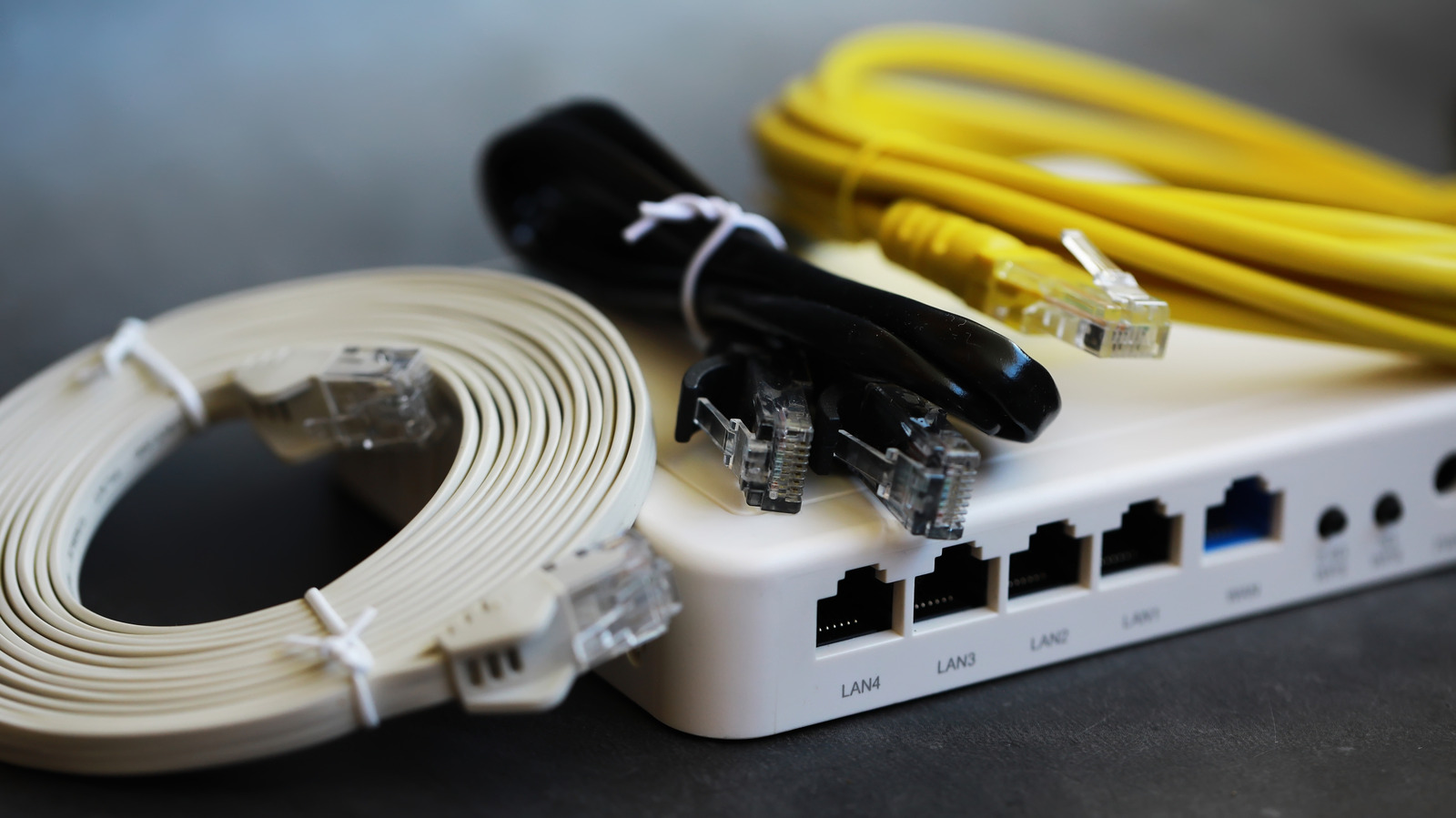
To fully appreciate the capabilities of Cat8, it’s important to understand how Ethernet cable speeds have advanced. Cat8’s maximum speed of 40 Gbps is a staggering 400 times faster than the 100 Mbps performance of early Cat5 cables. Yet, at a fundamental level, the internal architecture of these cables remains remarkably similar. Both Cat5e and Cat8 cables consist of eight copper conductors, arranged into four twisted pairs. The color coding for these pairs also generally remains consistent across different categories.
The dramatic increase in speed is not due to a radical redesign of the cable’s physical structure but rather to significant improvements in the performance characteristics of the copper conductors and the cable’s ability to handle higher frequencies. Frequency, in this context, refers to how rapidly an electrical signal can switch states – essentially, how quickly it can transition from representing a "1" to a "0." A higher frequency allows for a greater volume of data to be transmitted within a given timeframe.
The progression of maximum supported frequencies illustrates this evolution:
- Cat5e: Typically supports up to 100 Megahertz (MHz).
- Cat6A: An enhanced version of Cat6, can reach up to 500 MHz.
- Cat7a: Pushed this further to 1,000 MHz (or 1 GHz).
- Cat8: Represents a leap to 2,000 MHz (or 2 GHz).
This doubling of the frequency range is a primary driver behind Cat8’s superior data transmission rates. However, these high frequency rates come with inherent trade-offs.
The Challenges and Limitations of High-Frequency Cabling
Operating at such elevated frequencies makes Cat8 cable significantly more susceptible to electrical noise and interference. To mitigate these issues, Cat8 cables incorporate robust shielding. This shielding is crucial for preventing two main problems:
- Crosstalk: This occurs when the electromagnetic field from a signal on one pair of wires interferes with the signal on an adjacent pair. Excessive crosstalk can corrupt data, leading to errors and reduced throughput.
- Signal Degradation: Environmental factors and proximity to other electronic devices can introduce noise that degrades the signal quality over the length of the cable.
The enhanced shielding required for Cat8’s high-frequency operation has a direct impact on its physical characteristics and installation. These cables are typically thicker, stiffer, and more difficult to terminate compared to their less shielded counterparts. This increased complexity can lead to a more arduous and time-consuming installation process, especially for individuals without professional experience or specialized tools.
Furthermore, the high frequencies and shielding necessitate a reduction in the maximum viable cable length. While earlier Ethernet standards, including Cat5e, Cat6, and Cat6A, generally support a maximum channel length of 328 feet (100 meters), Cat8 has a more restrictive limit. When operating at its full 40 Gbps speed, Cat8 is limited to a maximum channel length of just 98 feet (30 meters). To achieve the full 328 feet (100 meters) distance, the speed must be throttled down to 10 Gbps, which is well within the capabilities of Cat6A and even Cat6 over shorter runs. This shorter effective range at maximum speed is a critical consideration for home network planning.
Is Cat8 Ethernet Cable Truly Necessary for Home Networks?
The straightforward answer for the vast majority of home users is a resounding yes – Cat8 Ethernet cable is overkill. There are very few, if any, practical scenarios within a typical residential environment where the benefits of Cat8 would justify its cost, complexity, and limitations.
From an installation perspective, terminating standard unshielded Ethernet cables with RJ45 connectors can already be a challenging task for the uninitiated. Introducing the robust shielding and thicker gauge wires of Cat8 significantly escalates this difficulty. For those undertaking DIY installations, the potential for frustration and errors is substantially higher, potentially leading to improperly terminated cables that fail to perform as expected or even cause network issues. The added shielding can make crimping connectors and ensuring a secure connection a considerably more involved process, often requiring specialized tools and techniques.
Beyond installation hurdles, the performance justification for Cat8 in a home setting is largely absent. Consider the current landscape of internet connectivity. As of May 2026, the average fixed broadband speed in the United States hovers around 307 Megabits per second (Mbps). This figure represents the speed delivered by Internet Service Providers (ISPs) to homes. Even a modest Cat6 cable, with its capability of up to 10 Gbps over shorter distances, far exceeds this average download speed. Cat6A cables, which offer 10 Gbps over up to 100 meters, also provide ample bandwidth for virtually all common home internet activities.
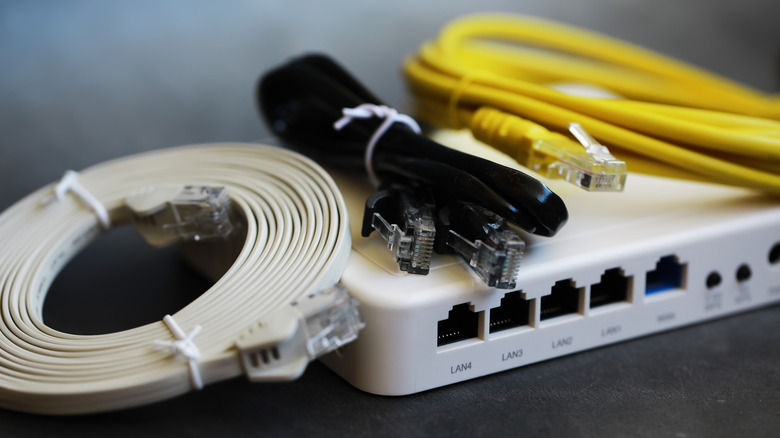
The devices commonly found in homes also present a bottleneck for Cat8’s extreme speeds. Most consumer-grade routers, network switches, and end-user devices like laptops, smartphones, and smart TVs are not equipped to handle 40 Gbps throughput. Their internal network interfaces and processing capabilities are typically designed for speeds that are a fraction of Cat8’s maximum. Even high-end gaming consoles or workstations rarely utilize network interfaces capable of exceeding 10 Gbps.
The intended purpose of Cat8 cable is not to enhance the quality of your Netflix stream or provide a competitive edge in online gaming by reducing latency by milliseconds. These cables are engineered for environments where massive data throughput is a daily necessity. This primarily includes:
- Data Centers: Where servers process and transfer enormous volumes of data between each other.
- Large Server Installations: In enterprise environments that require high-speed, low-latency connections for critical operations.
- High-Performance Computing Clusters: Environments where immense computational power relies on rapid data exchange.
For a home network, the bottleneck is almost always at the ISP connection or the capabilities of the router, not the Ethernet cables connecting devices within the home. If a user experiences slow internet speeds, the cause is far more likely to be an outdated or inadequate ISP plan, an aging router, or indeed, older Ethernet cables that are not meeting the demands of even moderately fast internet connections.
Troubleshooting Home Network Speed: Where to Focus Your Efforts
If you suspect that your home network is underperforming, particularly concerning internet speed, it is prudent to investigate other potential culprits before considering an extreme upgrade like Cat8.
- ISP Speed Test: The first step is to accurately measure your internet speed. Use a reliable online speed test tool (connected directly to your modem via Ethernet, if possible) to see what speeds your ISP is actually delivering. Compare this to the speed plan you are paying for.
- Router Performance: Your router plays a critical role in managing network traffic. Older routers, or those with outdated firmware, can become bottlenecks. Consider upgrading to a modern router that supports the latest Wi-Fi standards (like Wi-Fi 6 or 6E) and has Gigabit Ethernet ports.
- Existing Ethernet Cables: This is where the original article’s point about older cables becomes relevant. If your home is wired with Cat5 or even early Cat5e cables, these might not be capable of reliably supporting speeds above 100 Mbps or 1 Gbps, respectively, especially over longer runs. Upgrading these to Cat6 or Cat6A can provide a significant improvement, ensuring that your internal network can handle the speeds provided by your ISP and your modern router. Cat6 offers a cost-effective solution for most homes, supporting up to 10 Gbps over shorter distances, while Cat6A provides more robust performance over longer distances and future-proofs your home for higher speeds.
- Device Capabilities: Ensure that the devices you are using are capable of achieving the speeds you expect. Older laptops or network adapters might have limitations that prevent them from utilizing higher bandwidths, even if the network infrastructure is capable.
Conclusion: Prioritizing Practicality Over Raw Speed
In the pursuit of optimal home networking, it is crucial to align the technology chosen with practical needs and existing infrastructure. While Category 8 Ethernet cable represents a remarkable technological achievement in terms of raw speed, its capabilities are largely wasted and its implementation unnecessarily complex for the typical home user. The high cost, installation challenges, and limited effective range at maximum speed make it an impractical choice.
Instead, focusing on upgrading to Cat6 or Cat6A Ethernet cables, ensuring your router is up-to-date, and verifying your ISP plan are far more effective strategies for enhancing home internet performance. These practical steps will deliver tangible improvements in speed, stability, and reliability, offering a far better return on investment than an excessive deployment of cutting-edge, yet ultimately unnecessary, Cat8 cabling. The future of home networking lies in balanced, sensible upgrades that meet demonstrable needs, rather than simply chasing the highest possible specifications.