The Transformative Impact of Artificial Intelligence on Video Editing: A Comprehensive Review of Leading Tools

The rapid expansion of digital media platforms and the insatiable demand for engaging video content have ushered in a new era for content creators, presenting both unprecedented opportunities and significant production challenges. As the volume of video required for social media, marketing, and educational purposes escalates, creators are increasingly turning to artificial intelligence (AI) to streamline the often time-consuming and skill-intensive process of video editing. This shift is not merely about automation; it represents a fundamental redefinition of creative workflows, empowering individuals and small teams to produce high-quality, consistent video output with greater efficiency.
The Evolution of Video Content and the Creator Economy
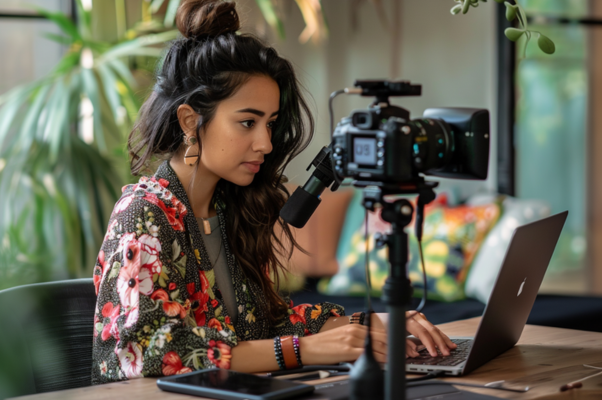
Over the past decade, video has cemented its position as the dominant content format across the internet. Platforms like YouTube, TikTok, Instagram Reels, and Facebook have cultivated a creator economy worth billions, where individuals and brands vie for attention through visually compelling narratives. A report by Statista indicated that by 2023, the average person spent over 17 hours per week watching online videos, highlighting the format’s pervasive influence. This surging consumption has, in turn, fueled an intense pressure on creators to produce more content, faster, and to higher standards. The journey from raw footage to a polished, publishable video involves numerous complex steps: meticulous camera setup, coherent on-camera delivery, and, most critically, the intricate process of post-production editing. For many, this final hurdle proves the most daunting, often creating a significant gap between their creative vision and their technical execution capabilities.
AI’s Entry into Creative Workflows: A Timeline
The integration of AI into creative industries has been a gradual yet accelerating process. Initially, AI applications in media focused on foundational tasks such as automated transcription and basic image recognition. However, advancements in machine learning, particularly in natural language processing (NLP) and computer vision, have enabled AI to tackle more sophisticated creative challenges.
- Early 2010s: Basic AI for speech-to-text transcription begins to improve, laying groundwork for automated captioning.
- Mid-2010s: Introduction of simple AI-powered filters and effects in consumer-grade photo and video apps.
- Late 2010s: AI starts assisting with more complex editing tasks like background removal, object tracking, and basic scene detection. The concept of "smart editing" begins to emerge.
- Early 2020s: Generative AI models for text and images gain prominence, paving the way for AI to interpret high-level creative prompts. The video editing sector begins to see AI tools capable of cutting filler words, suggesting transitions, and even reframing content for different aspect ratios.
- 2023-Present: The advent of "agentic AI" and protocols like Model Context Protocol (MCP) marks a significant leap, allowing AI assistants to interact directly with editing software based on natural language instructions, effectively acting as a co-editor or even an autonomous editor for specific tasks. This period has seen a proliferation of tools offering varying degrees of AI assistance, from enhancing traditional editors to leading the entire editing process.
Defining the AI Video Editor Landscape
The current market for AI video editing tools can be broadly categorized into two primary camps, though the distinctions are increasingly fluid:
-
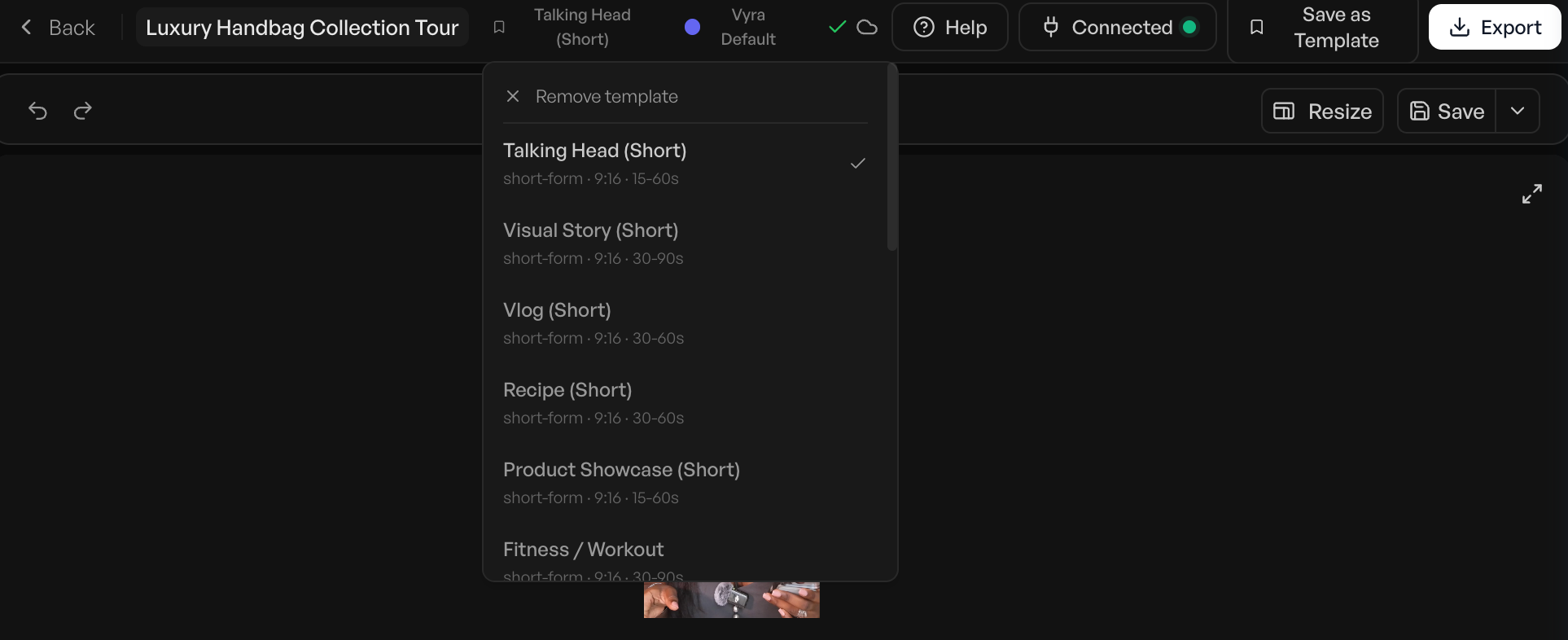
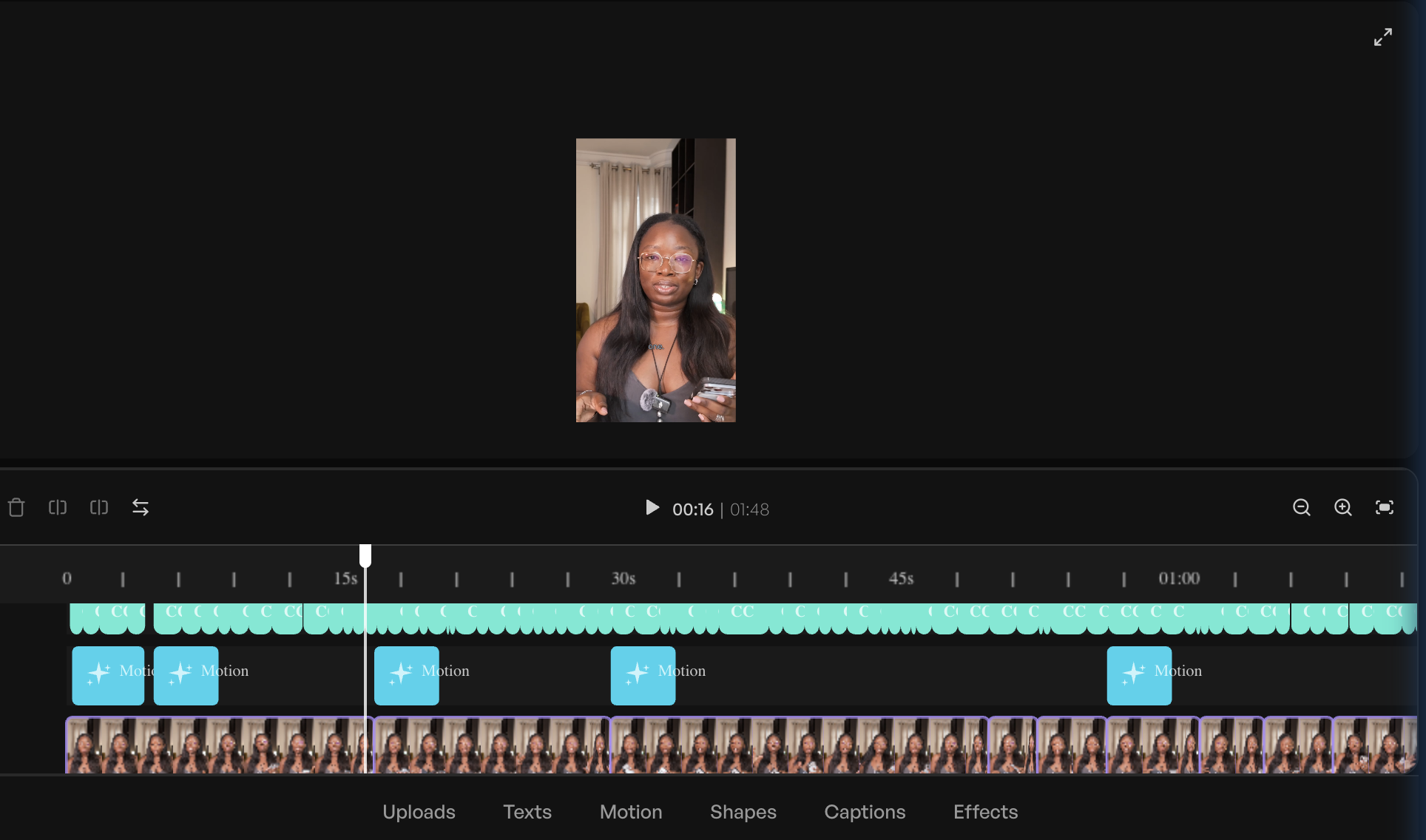
AI-Enabled Editors: These are traditional, timeline-based video editing software solutions that have integrated AI features to augment human editors. The user retains primary control over the editing timeline, but AI automates specific, often repetitive, tasks. Common AI functionalities include automatic caption generation, identification and removal of filler words ("um," "ah"), cleaning up background noise, intelligent reframing of horizontal footage for vertical platforms (e.g., Instagram Reels), and even basic object tracking. Tools in this category are designed to make existing editing workflows faster and more efficient for those already familiar with video editing principles. CapCut, Adobe Express, and Veed AI exemplify this approach.
-
AI-Led Editors: In contrast, AI-led editors are designed to take over a significant portion, if not the entirety, of the editing process based on plain-language instructions from the user. Here, the user describes the desired outcome ("cut the pauses, add captions, pull the best 30 seconds for a reel"), and an AI agent executes the edit. The user then reviews the AI’s output, making adjustments as needed. This paradigm shifts the editor’s role from manipulating a timeline to providing creative direction and refinement. Vyra is a prime example of a platform built from the ground up with this philosophy, while OpusClip specializes in AI-led repurposing of long-form content into short, shareable clips.
The Hybrid Approach and Model Context Protocol (MCP)
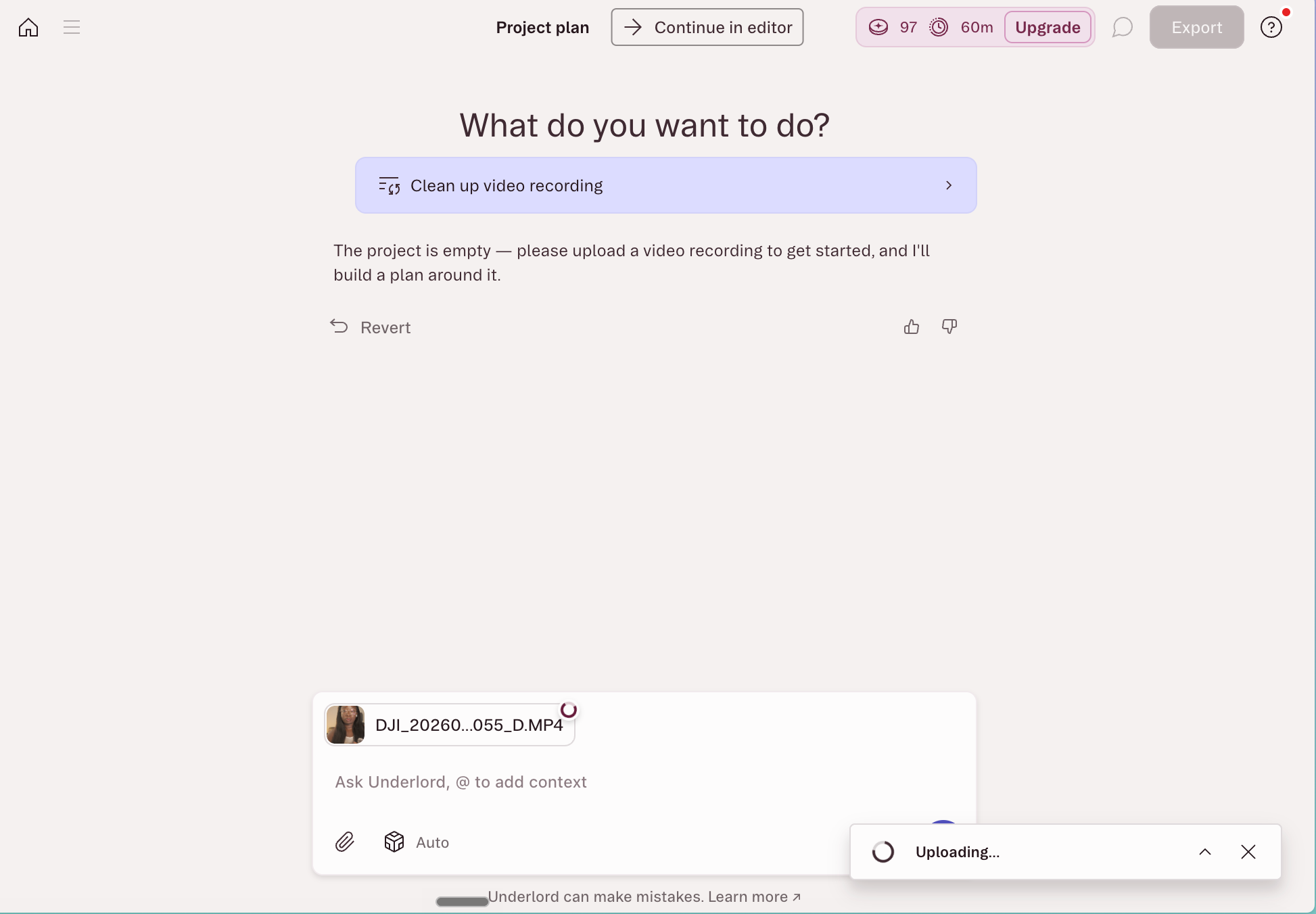
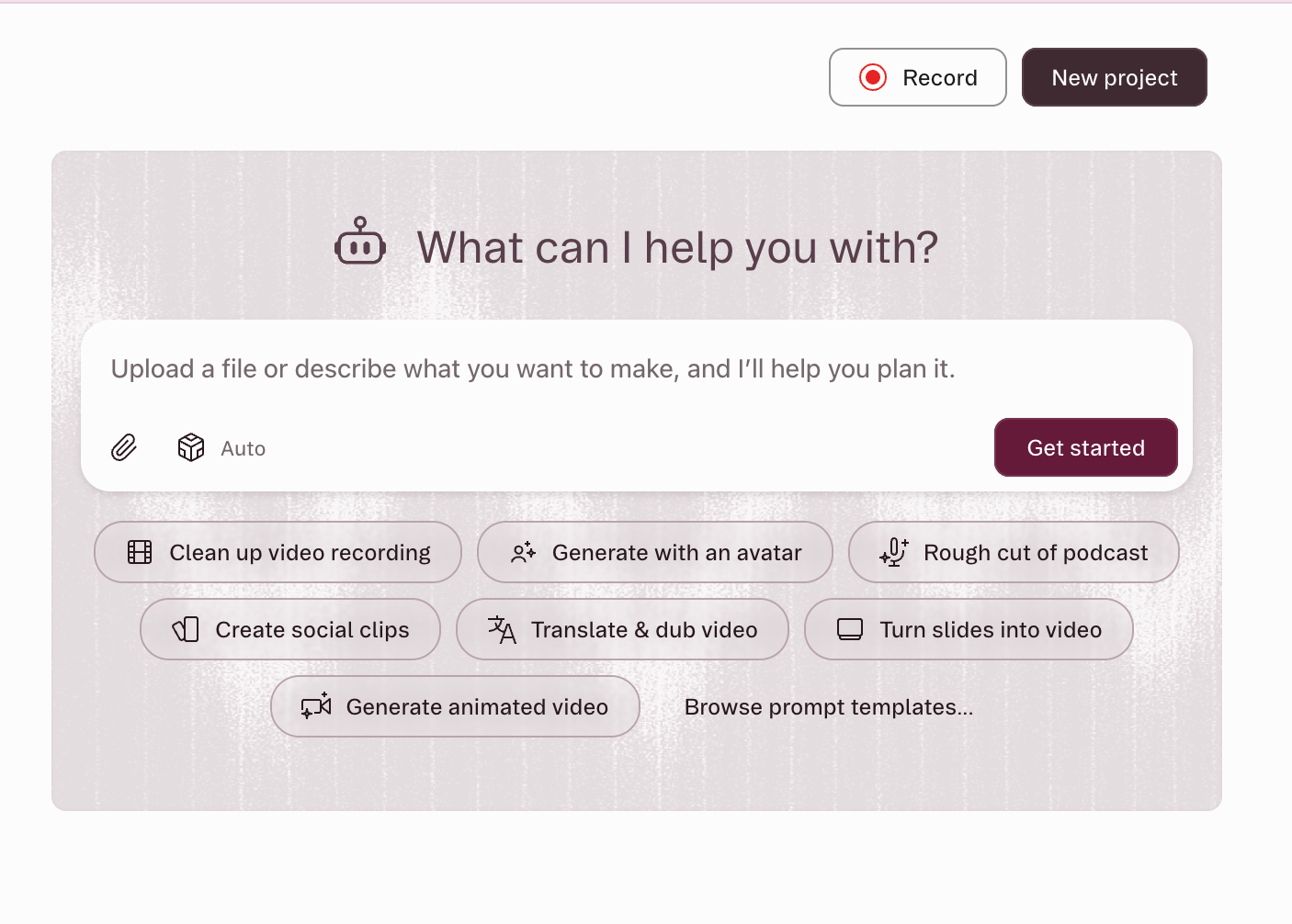
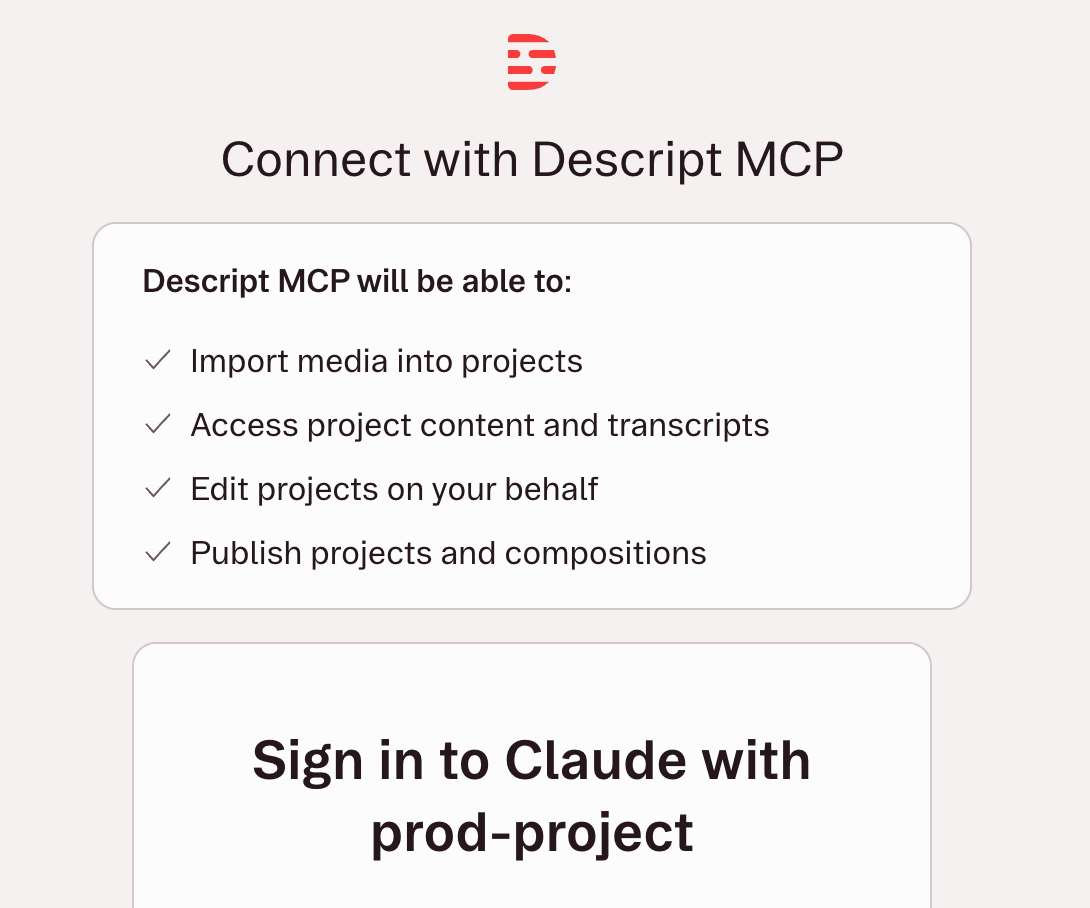
A third, increasingly prevalent category exists in the overlap, epitomized by tools like Descript. These hybrid platforms offer a traditional editing interface (often transcript-based, where editing text directly edits the video) alongside powerful AI co-editors and, crucially, external AI integration. Descript, for instance, allows users to leverage its in-app AI assistant, Underlord, for multi-step requests such as filler removal and social clip generation. Furthermore, with the advent of Model Context Protocol (MCP), platforms like Descript and Vyra can connect with external large language models (LLMs) such as Claude or ChatGPT. MCP acts as a standardized bridge, enabling these powerful AI assistants to directly interact with and control editing software from a chat window. This means a user can issue a command like, "Edit my video in Descript: remove all silences over one second, add dynamic captions, and export a 9:16 version for TikTok," and the external AI will execute these complex operations within the designated software without the user even opening the application. This development represents a significant leap towards truly agentic AI in content creation, offering unparalleled levels of automation and creative control through natural language.
Navigating the AI Editing Ecosystem: Essential User Strategies
While AI promises to simplify video editing, its effectiveness is highly dependent on how users interact with it. The adage "garbage in, garbage out" applies, highlighting that the tools are no longer the primary bottleneck; rather, knowing precisely what to ask for is paramount.
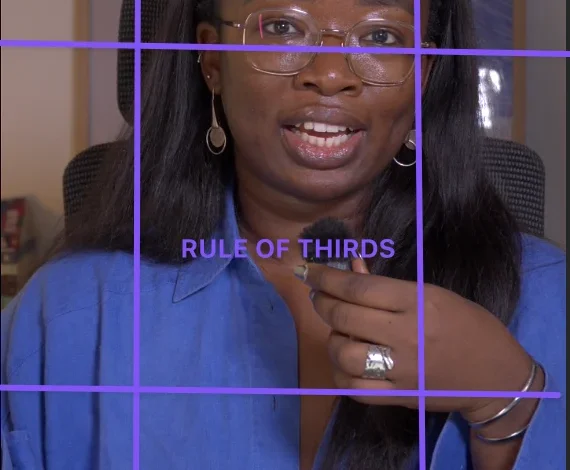
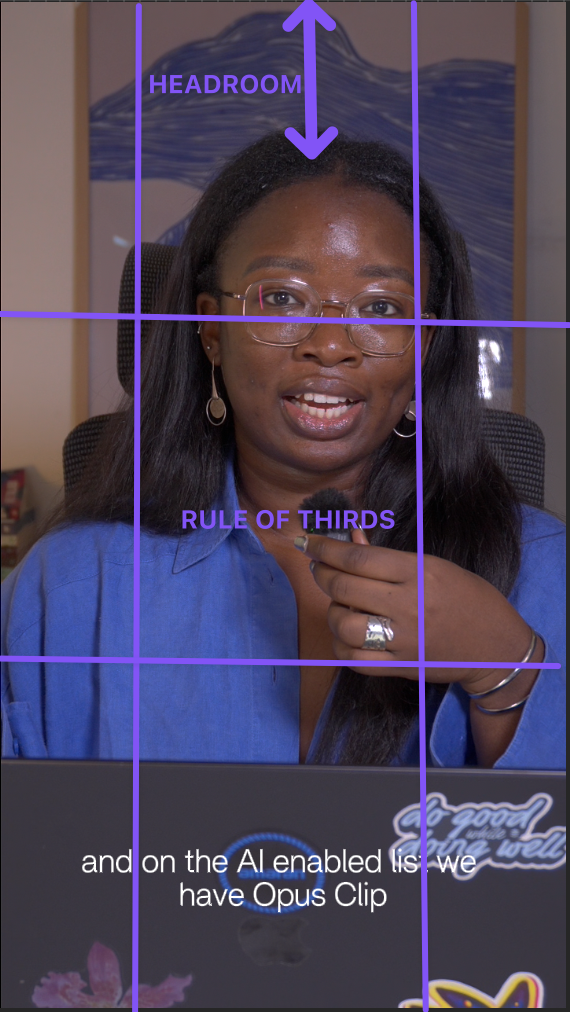
- Mastering the Terminology: Natural language editing does not eliminate the need for understanding editing principles. To achieve precise results and avoid iterative prompting, creators must familiarize themselves with fundamental video editing terminology. Simple requests like "make the intro punchier" are vague and can lead to generic outputs. Conversely, a prompt such as "cut the first four seconds, open on the medium shot, add hook text in the top safe zone" provides actionable instructions that an AI can execute accurately in a single pass. Key terms like J-cut, L-cut, b-roll, safe zones, jump cut, and match cut significantly enhance the clarity and efficacy of AI commands.
- Cultivating an Inspiration Library: Just as human editors draw from references, AI-led editors benefit immensely from visual examples. Creators are encouraged to actively curate a library of videos they admire, analyzing aspects such as pacing, shot length, text overlay styles, and transition types. This library serves as both a source of vocabulary and a direct reference point for AI. "Pace it like this" accompanied by a link to a reference video is far more effective than a lengthy, subjective description.
- Hands-On Experience: The fastest and most effective way to internalize editing vocabulary and understand the nuances of various effects is to perform some manual editing oneself. Even fumbling through a few videos manually, slowly and imperfectly, provides an invaluable tactile understanding of the process. This foundational knowledge not only makes AI prompting more intuitive but also equips creators to provide clearer direction if they eventually choose to outsource editing to human professionals.
- Structured Prompting: To maximize efficiency, a concise and structured prompt template can be immensely beneficial. A robust template might include:
[what to cut] + [what to add] + [format and platform] + [style reference]. For example: "Remove filler words and silences over one second. Add captions and a hook line. Reframe to 9:16 for Reels. Keep the pacing tight, like the reference clip [link to video]." This structured approach guides the AI effectively, significantly reducing revision cycles.
In-Depth Analysis of Top AI Video Editors
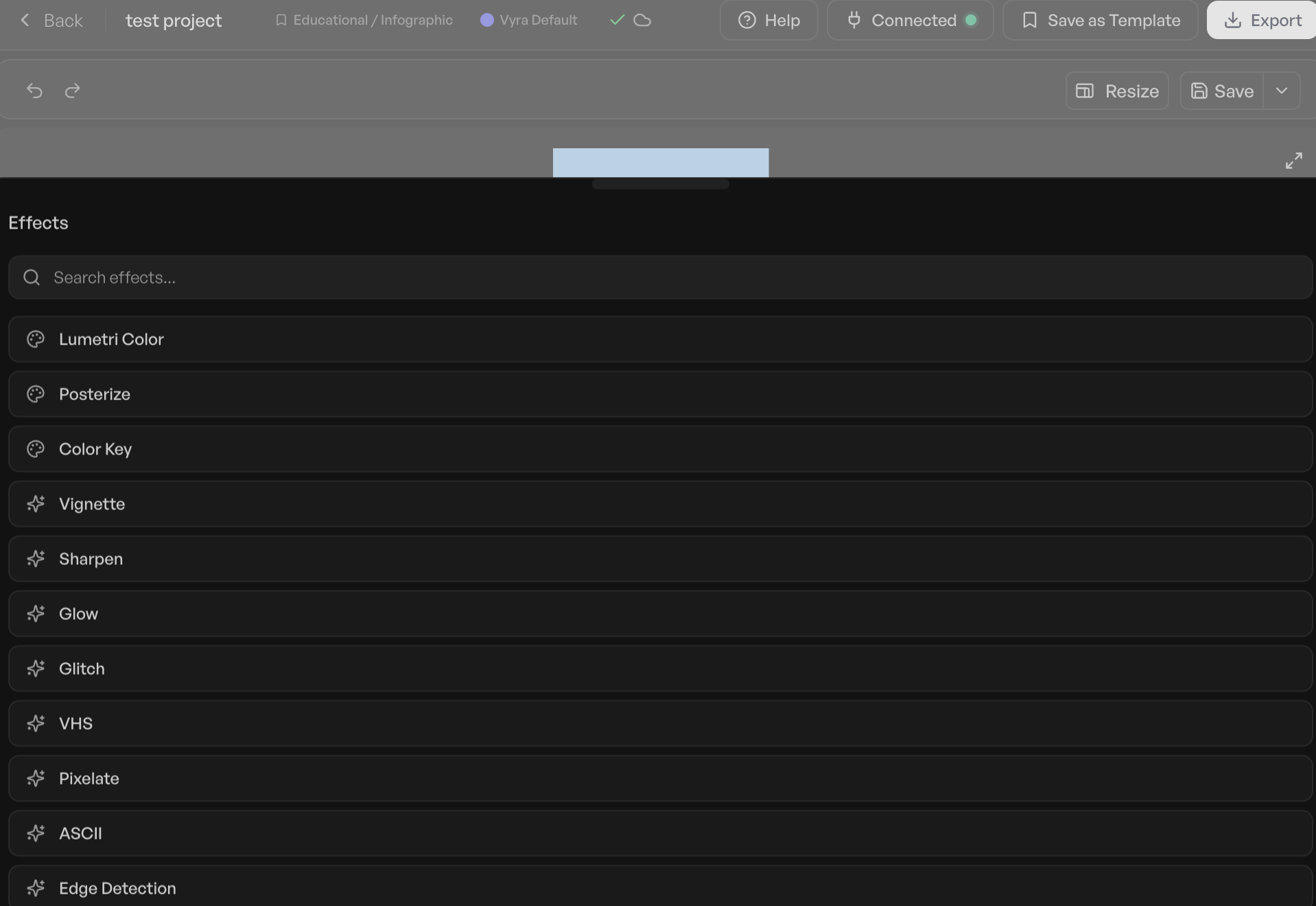
A recent evaluation, conducted with a consistent video clip and editing brief across multiple platforms, provides insightful comparisons into the capabilities of leading AI video editors. The findings reveal varying strengths tailored to different creator needs and skill levels.
AI-Led/Hybrid Editors:
-
Vyra: Best for: Comprehensive AI-driven editing and leveraging external LLMs.
Vyra stands out for its "AI-first" architecture, built around a chat-based interface rather than a traditional timeline. It comprehensively analyzes uploaded footage (detecting scenes, transcribing speech, identifying elements in frame) before any editing prompts are given. A crucial differentiating feature is its ability to accept reference videos for stylistic modeling, an invaluable asset for creators aiming for a specific aesthetic. Its support for MCP allows users to connect their preferred LLMs (e.g., Claude, ChatGPT) to execute edits, offering unparalleled control and flexibility. In testing, Vyra successfully transformed an 81-second talking-head video into a polished piece, cutting effectively and adding captions based on a simple brief and a reference video, completing the core edit in approximately 20 minutes without b-roll or music. While cloud-based processing can introduce slight delays compared to local tools, its precision and ability to model edits make it highly effective for first and final touches.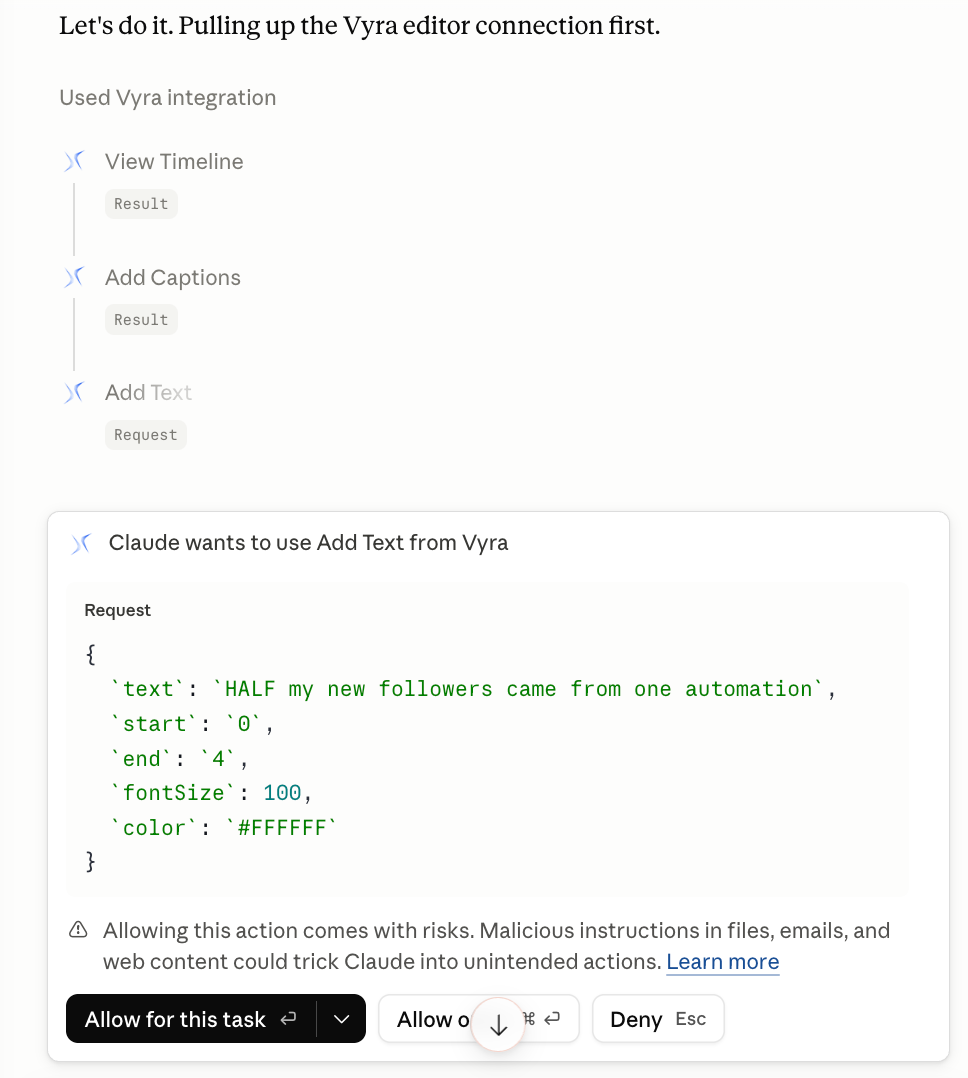
- Price: Free trial; paid plans start at $24/month (connecting own AI) or $54/month (Vyra’s AI).
-
Stanley Studio: Best for: Rapid footage ingestion with an evolving AI-led approach.
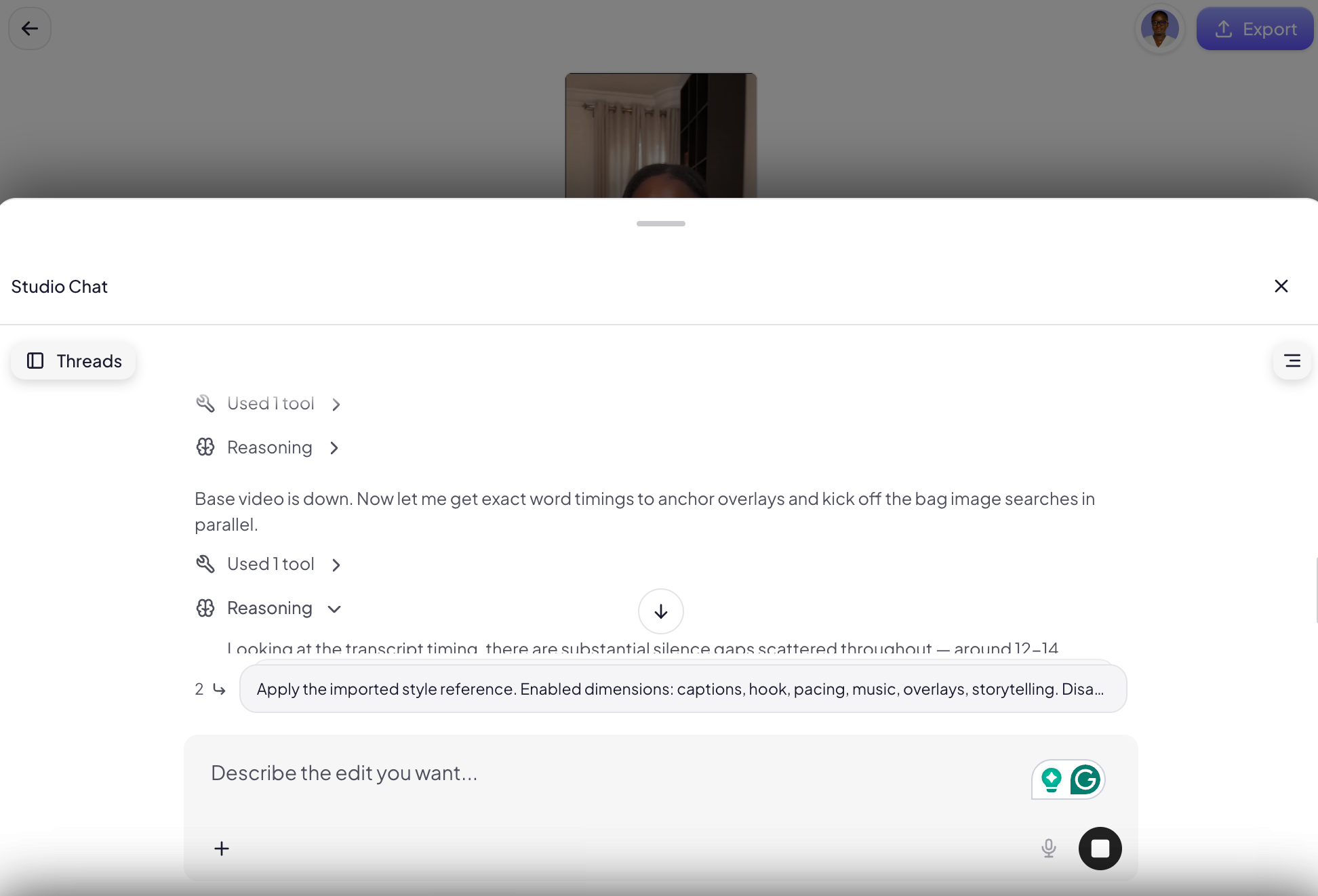
Stanley Studio, a relatively new entrant, offers a pure AI-led proposition: upload clips, brief it like a human editor, and bypass the timeline. Its standout feature is its exceptionally fast upload speed, handling a 350-megabyte file in about five minutes. However, in initial testing with complex footage involving overlays and specific captioning styles, Stanley Studio demonstrated areas for improvement. While it picked up on basic stylistic elements like colors and fonts from a reference video, it struggled with nuanced pacing and accurately replicating complex overlay requirements, sometimes generating AI images instead of utilizing provided screenshots. As a newer platform, it shows promise for simpler talking-head formats and is expected to mature rapidly with further development. It currently lacks MCP support, meaning users are limited to its in-tool chatbot.- Price: Free tier for one project; $19/month thereafter.
-
Descript: Best for: Speech-heavy content, podcasts, and versatile AI-enabled/AI-led overlap.
Descript is a unique hybrid, combining a powerful transcript-based editor with sophisticated AI capabilities. Deleting text in the transcript directly removes corresponding video footage, revolutionizing editing for spoken content. Its in-app AI co-editor, Underlord, handles multi-step requests like filler word removal, audio cleanup (Studio Sound), and automatic captioning. The significant addition of Descript’s hosted MCP server (since May 2026) allows external LLMs to orchestrate complex edits and exports without opening the application. A test involving a single prompt to Claude via MCP resulted in a 64-second reduction from original footage, expertly cutting false starts, compressing pauses, and captioning in an Instagram Reels-native style, while also generating a hook line. While it achieved approximately 40% of the way to a complete video, its lack of direct reference video input means manual tweaking is often required for specific stylistic outputs. It excels at the tedious initial cuts and trims, particularly for content centered around dialogue.- Price: Free plan with limited credits; paid plans start at $35/month.
-
OpusClip: Best for: Efficient repurposing of long-form video into short-form clips.
OpusClip is a specialized AI-led tool designed exclusively for content repurposing. Users upload a long video, and its "ClipAnything" model analyzes visual cues, audio sentiment, facial expressions, and narrative structure to identify and extract high-potential short-form clips. Each generated clip includes a hook, captions, and a "virality score" predicting its performance on platforms like TikTok or Reels. This tool prioritizes quantity and speed of clip generation over granular editing control, making it ideal for creators looking to maximize output from existing long-form content. While it offers less direct editing instruction, its paid plans allow for considerable customization of output style. It’s worth noting that similar repurposing features are increasingly available within more comprehensive editors like CapCut Pro and Adobe Express.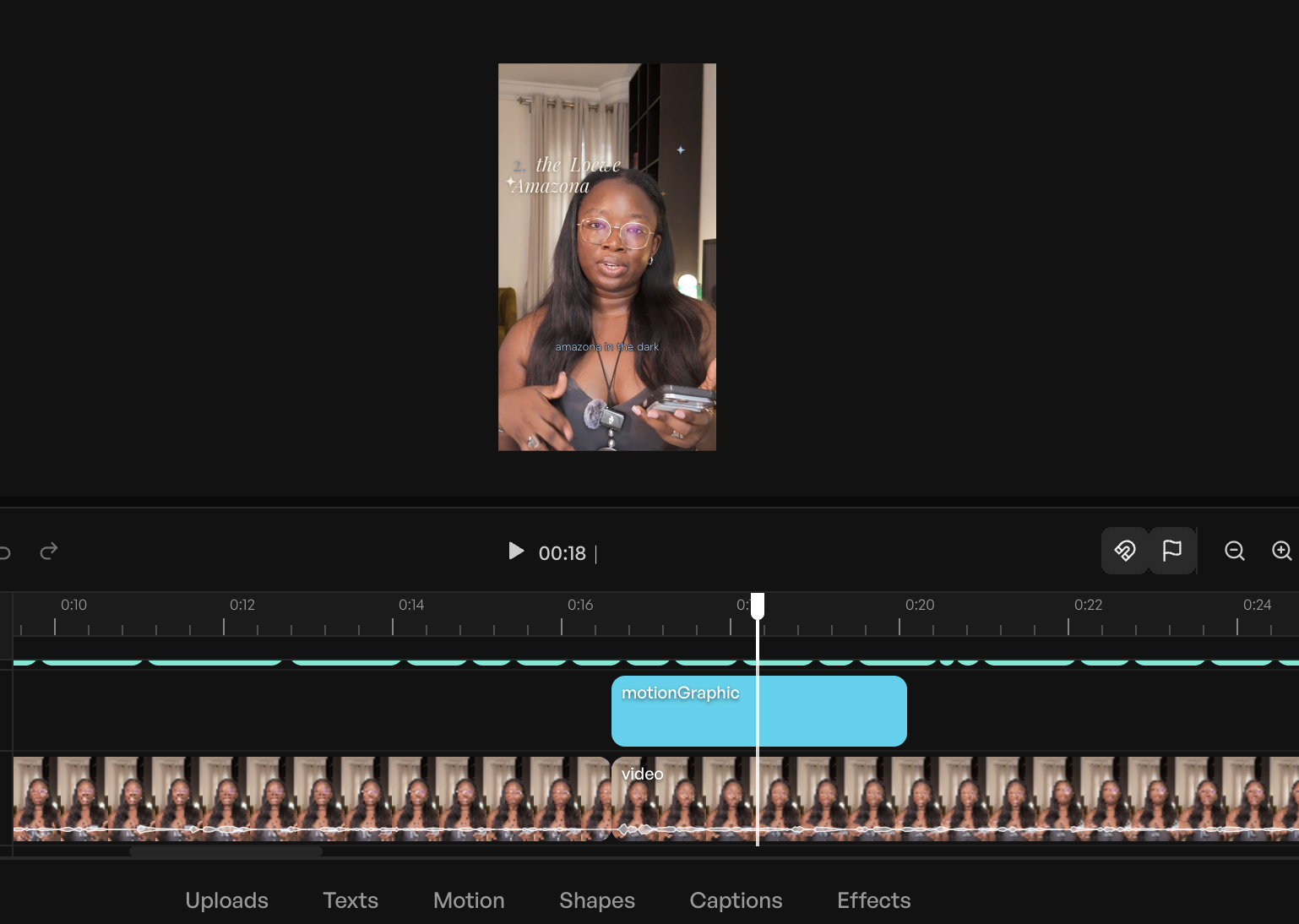
- Price: Free plan (60 processing minutes/month); paid plans start at $15/month.
AI-Enabled Editors:
-
CapCut: Best for: Accessible AI assists within a widely adopted editor.
CapCut has emerged as a powerhouse, particularly popular among mobile-first creators and those focusing on short-form video. As an AI-enabled editor, it remains timeline-based but offers a rich suite of AI features: speaker-ID captions, camera tracking, vocal isolation, background removal, and a script-to-video function that can generate scripts, source stock footage, add captions, and sync to trending audio from a single prompt. Its "EditPilot" feature allows users to request cuts or transitions through AI. CapCut’s intuitive interface and extensive tutorials make it an excellent starting point for beginners seeking AI capabilities without a steep learning curve. The primary limitation lies in the scattered nature of its AI features, requiring users to know which tools exist to leverage them effectively.- Price: Free plan; paid plans start at $9.99/month.
-
Canva: Best for: Integrating video editing within a broader visual design ecosystem.
Canva, renowned for its graphic design capabilities, extends its utility to video editing, making it an attractive option for users already entrenched in its ecosystem. The ability to edit videos alongside carousels, covers, and graphics, with immediate access to brand kits, fonts, and templates, provides a significant workflow advantage. Canva’s AI-enabled video features include "Magic Video," which assembles 60-second cuts with templates, transitions, and music, all remaining editable. Auto-captions, background removal, and beat sync are also available. Its generative "Magic Media" (powered by Google’s Veo 3) adds text-to-video capabilities. While competent, heavy users may find its AI features, which draw from a monthly credit pool without top-ups, can deplete quickly.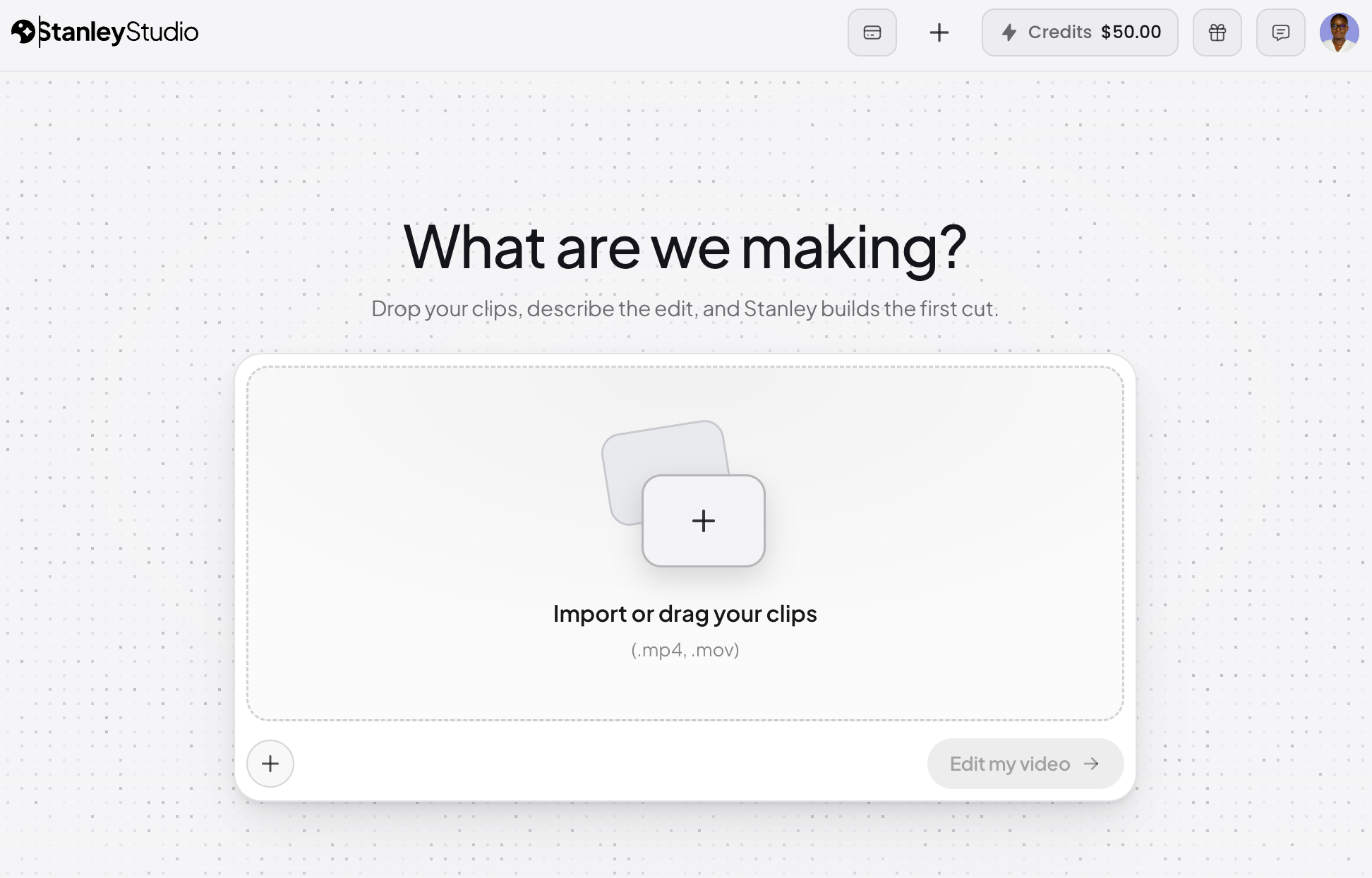
- Price: Free plan with limited AI; paid plans start at $14.99/month.
-
Adobe Express: Best for: Users within the Adobe Creative Cloud ecosystem.
Adobe Express positions itself as an accessible entry point into the Adobe suite, mirroring Canva’s focus on design-first tools with layered video editing capabilities for social channels. It is firmly AI-enabled, allowing users to work within templates and canvases while AI handles specific tasks. Express generates captions from audio, offering extensive customization for font, color, and shape to align with brand aesthetics. Its "Clip maker" function provides a lighter version of OpusClip’s offering, splicing longer videos into short, captioned clips. Crucially, Express integrates Adobe’s Firefly for generative AI work and offers seamless hand-offs to professional tools like Premiere Pro for advanced timelines or Adobe Podcast for audio cleanup, making it ideal for those already invested in the Adobe ecosystem.- Price: Free plan; paid plans start at $9.99/month.
-
Riverside: Best for: Podcasters and interviewers seeking integrated recording and AI editing.
Riverside is primarily a remote recording studio, specializing in high-quality capture of interviews and podcasts with separate speaker tracks and local recording. Its "Co-Creator" agentic editor operates on footage captured within the platform, leveraging integrated transcripts from the outset. Users can prompt Co-Creator in plain language to clean audio, remove filler words and silences, add AI b-roll, or extract social clips. A notable feature is its ability to dub videos into other languages with lip-sync matching. Co-Creator is included in paid plans, though some advanced features like AI translation and b-roll generation draw from a monthly credit allowance. For creators not recording within Riverside, other tools might offer a more streamlined workflow for imported footage.- Price: Free plan; paid plans start at $29/month.
-
Veed AI: Best for: Comprehensive browser-based editing with strong transcription.
Veed AI is an all-rounder AI-enabled browser-based editor, offering a robust set of features including accurate transcription, captions with translation, and even eye-contact correction for scripted reads. Its transcription accuracy is particularly lauded among the tested tools. Veed aims to cover the entire editing job within a browser, eliminating the need for complex software installations. The free plan allows exports of up to 10 minutes per month with a watermark, providing a solid testing ground, though heavy AI feature usage, like Canva, draws from a credit allowance even on paid plans.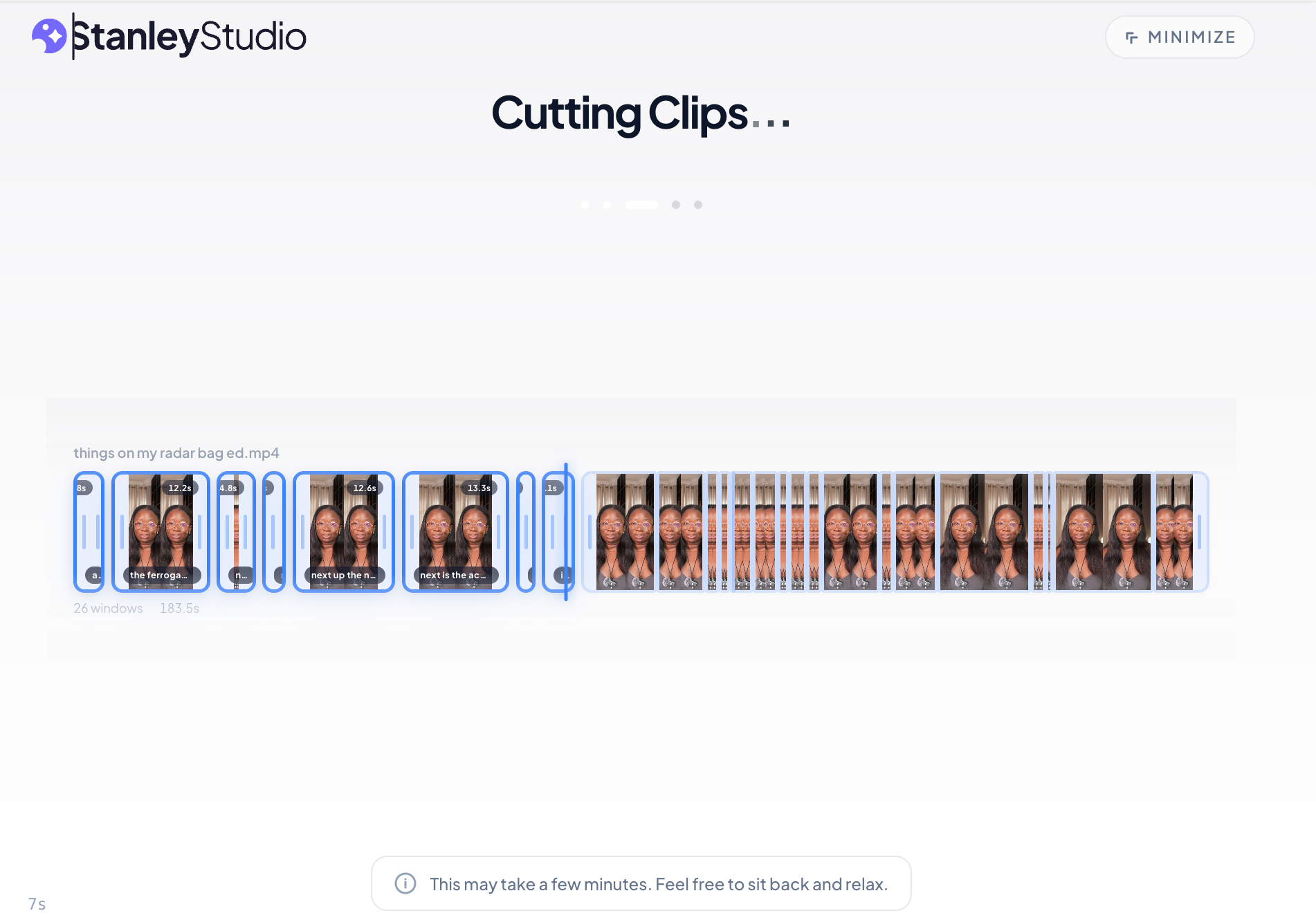
- Price: Free plan (10-minute monthly export cap, watermarked); paid plans start at $12/month.
Beyond Editing: A Note on AI Video Generation
While this review focuses on AI’s role in editing existing footage, it is important to acknowledge the rapidly evolving field of AI video generation. Tools now exist that can create video from text prompts, generate AI avatars that read scripts, or produce b-roll footage to cover cuts. The author of the original evaluation specifically chose not to recommend these tools, reflecting a preference for working with original, authentic footage. However, for certain workflows, such as rapid content creation or specific marketing needs, generative AI elements can be valuable. Several tools on this list, including CapCut (text-to-video) and Riverside (AI b-roll), offer generative features, indicating a future where editing and generation capabilities will likely converge more seamlessly within single platforms.
Broader Implications: The Future of Video Creation
The proliferation and increasing sophistication of AI video editors carry significant implications for the content creation landscape:
- Time-Efficiency and Productivity Gains: The most immediate impact is the dramatic reduction in editing time. As demonstrated, tasks that once consumed hours—like cutting silences, generating captions, or reframing—can now be completed in minutes or even seconds. This efficiency allows creators to focus on the higher-order creative aspects of their work, potentially increasing content output and consistency. A conservative estimate suggests a reduction of 15 to 25 minutes per video on core editing tasks, liberating valuable time.
- Democratization of High-Quality Content: AI lowers the barrier to entry for video production. Individuals without formal editing training or expensive software can now leverage AI to produce professional-looking videos. This democratization empowers a wider range of voices and perspectives to enter the creator economy, fostering greater diversity in online content.
- The Evolving Role of Human Editors: Far from replacing human editors, AI is redefining their role. Instead of being bogged down by mechanical, repetitive tasks, human editors can now act as creative directors, taste-makers, and refiners. Their unique human intuition, understanding of narrative, and artistic sensibility—qualities AI currently cannot replicate—become even more valuable in guiding AI tools and adding the crucial "human touch" that resonates with audiences. AI becomes a powerful co-pilot, augmenting rather than supplanting human creativity.
- Economic Impact on the Creator Economy: By making video creation more accessible and efficient, AI tools can stimulate growth in the creator economy. More creators can produce more content, potentially leading to increased engagement, larger audiences, and new revenue streams. Businesses can also leverage these tools to scale their video marketing efforts without proportionally scaling their production budgets.
Conclusion: AI as an Empowering Co-Pilot
The landscape of video editing is undergoing a profound transformation driven by artificial intelligence. From AI-enabled enhancements within traditional editors to fully AI-led agents that respond to natural language commands, the tools available to content creators are more powerful and diverse than ever before. While the technology is still evolving, the core takeaway is clear: AI is poised to dramatically cut down the struggle and time investment in video production, particularly for tedious, mechanical tasks. The human element, however, remains indispensable—providing the creative vision, the nuanced taste, and the critical refinement that elevate good content to great. For creators looking to navigate this new frontier, the advice is simple: identify the camp that aligns with your workflow, select a tool, and begin experimenting. The practical experience gained from editing even a single video with AI will be more illuminating than any theoretical roundup.
Frequently Asked Questions
What is the best AI video editor?
Based on comprehensive testing, Vyra consistently performed well across various editing briefs and footage, especially for those seeking an AI-first approach with external LLM integration. However, the "best" tool ultimately depends on individual needs. For users who prefer a traditional timeline with AI assists, CapCut and Veed AI are excellent choices. For speech-heavy content, Descript stands out, while OpusClip is unparalleled for repurposing long-form video. The key is to first determine whether an AI-enabled or AI-led workflow aligns better with your preferences and skill set.
What’s the difference between AI-enabled and AI-led video editors?
AI-enabled editors are conventional video editing software enhanced with AI features to assist the user (e.g., automatic captions, filler word removal, noise reduction). The user maintains direct control over the timeline. AI-led editors, conversely, perform the actual editing based on natural language instructions from the user, who then reviews and adjusts the AI’s output. Some tools, like Descript, offer a hybrid model, combining manual editing, in-app AI assistance, and external AI control via MCP.
Can AI edit a video from a text prompt?
Yes, AI can edit videos from text prompts. Tools such as Vyra and Descript’s Underlord, especially when integrated with external LLMs via MCP, can interpret plain-language instructions ("remove filler words, add dynamic captions, reframe to 9:16") and execute these edits on your uploaded footage. The quality of the outcome largely depends on the precision of the prompt; using specific editing terminology (e.g., "J-cut," "b-roll," "safe zones") significantly improves the accuracy and usability of the AI’s first pass.
What is MCP, and what does it have to do with video editing?
MCP (Model Context Protocol) is a technical standard that facilitates direct communication and control between AI assistants (like Claude or ChatGPT) and other software applications. In video editing, MCP allows an external AI to interact directly with editing tools such as Descript or Vyra. This means a user can issue complex editing commands to an AI via a chat interface, and the AI will then open the project, analyze the footage, apply the specified edits, and even export the final video, all without the user manually operating the editing software. This protocol is central to the development of truly agentic AI in creative workflows.
Are AI video editors free?
Most AI video editors offer a free tier or a free trial period, but capabilities and export limits vary widely. CapCut and Riverside provide robust free plans that are quite functional for basic needs. Veed AI’s free tier, however, caps exports at 10 minutes per month and includes watermarks. OpusClip’s free clips expire after a few days. For access to the full suite of AI features and to save substantial time, users should generally expect to invest in a paid plan, with typical monthly costs ranging from $10 to $50, depending on the tool and feature set.
Will AI replace video editors?
Based on current capabilities and expert analysis, AI is unlikely to fully replace human video editors. While AI excels at automating mechanical, repetitive, and time-consuming tasks like cutting silences, generating captions, and reframing, it currently lacks the nuanced taste, creative intuition, and artistic judgment that human editors bring. AI serves as a powerful co-pilot, enhancing efficiency and democratizing access to quality production, but the ultimate creative direction, storytelling, and stylistic refinement still largely fall to human expertise. The role of the editor is evolving, shifting from manual labor to strategic direction and creative oversight.