How to Eliminate Aliasing and Jaggies in Action Camera Footage Using After Effects

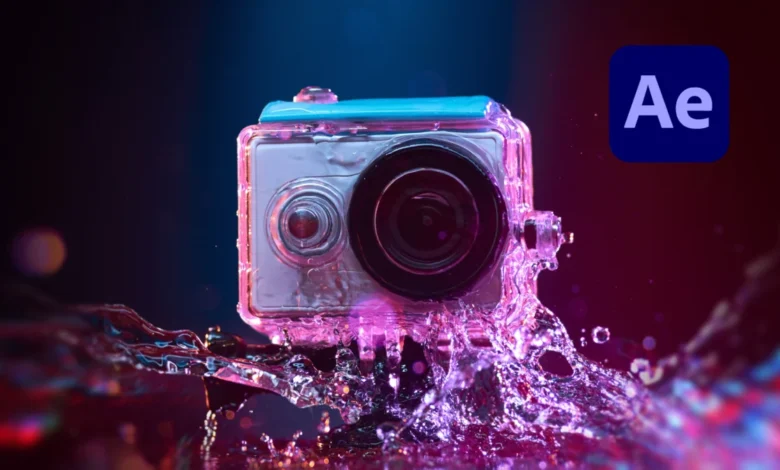
The rapid proliferation of compact imaging devices—ranging from specialized action cameras and aerial drones to modern smartphones—has fundamentally transformed how creators capture high-dynamic-range video content. However, the hardware limitations inherent in these pocket-sized units frequently introduce optical anomalies that can compromise the professional quality of a production. Among the most persistent and visually distracting issues is aliasing, a form of digital distortion that manifests as jagged edges, stair-stepped lines, and distracting flickering along high-contrast boundaries. Addressing this technical hurdle has traditionally required compromise, forcing editors to choose between leaving distracting artifacts in their final renders or sacrificing overall image fidelity through blunt-instrument softening techniques. Fortunately, recent advancements in post-production toolsets, including specialized free plugins designed for Adobe After Effects, offer a streamlined and sophisticated solution to this pervasive industry challenge.
Understanding the Mechanics of Aliasing in Digital Video
To effectively mitigate aliasing, post-production professionals must first understand the underlying physical and digital mechanisms that cause it. Aliasing is fundamentally a sampling error that occurs when a digital sensor attempts to record high-frequency visual details that exceed its spatial resolution limits. In the context of digital cinematography, this phenomenon is frequently observed in complex, high-detail environments such as dense foliage, rippling water surfaces, architectural brickwork, and distant power lines. When the camera’s sensor grid cannot accurately map these intricate patterns, the resulting pixels misrepresent the visual information, creating harsh, jagged transitions instead of smooth gradients.

While aliasing can theoretically affect any digital camera system, the issue is exponentially magnified in action cameras and drones. These devices rely on physically miniature image sensors packed with high megapixel counts to capture 4K or even 5K resolution video. To compensate for the optical softness naturally produced by tiny lenses and small sensors, manufacturers routinely bake aggressive sharpening algorithms directly into the camera’s internal firmware. This default over-sharpening boosts local contrast around edges, artificially emphasizing the pixel grid and turning borderline sampling errors into glaring visual distractions. Compounding the problem further is heavy video compression. Action cameras typically utilize high-compression codecs to manage massive data rates within small storage footprints, and these compression algorithms often struggle with aliased edges, resulting in shimmering artifacts, macroblocking, and a general degradation of video clarity.
The Evolution of Post-Production Mitigation Strategies
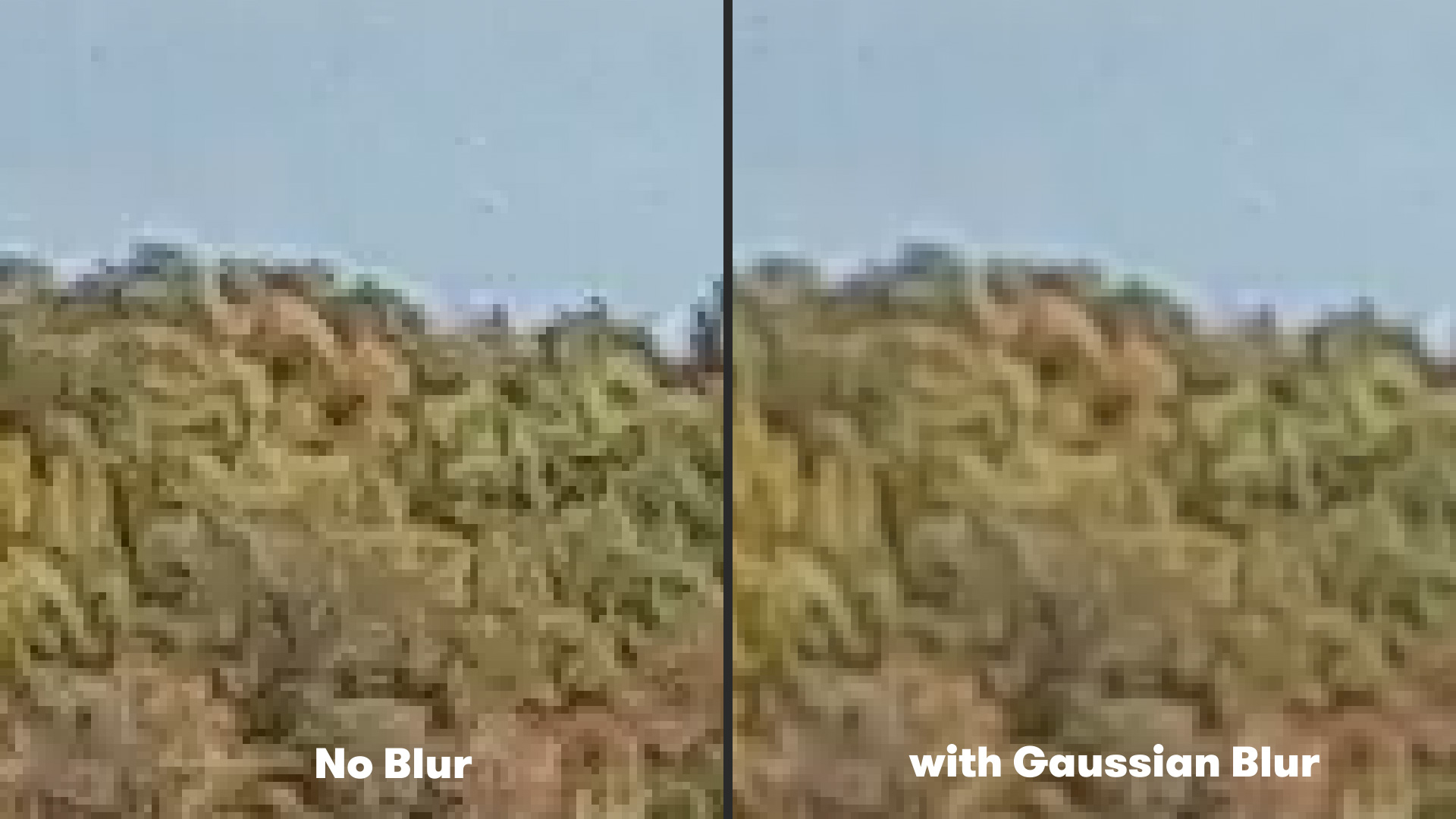
Historically, video editors and colorists battling severe aliasing in post-production had very few targeted solutions at their disposal. The standard industry workaround involved applying a mild Gaussian blur across the entirety of the affected video clip. By slightly softening the image, editors could reduce the harsh contrast of the jagged edges, thereby dampening the obnoxious flickering that draws the viewer’s eye away from the primary subject matter.
While this traditional method achieved its immediate objective of reducing aliasing, it introduced a significant collateral drawback. A Gaussian blur is a global adjustment, meaning it applies uniform softening to every pixel within the frame regardless of whether a specific area suffers from sampling errors. Consequently, fine details in sharp, well-rendered portions of the shot—such as facial features, distant text, or clean structural lines—were unnecessarily degraded. Editors were forced to strike a precarious, time-consuming balance between leaving distracting jaggies intact or introducing a perceptible loss of overall image sharpness and professional polish. Furthermore, heavy reliance on manual masking and tracking to isolate specific aliased regions could quickly bog down project timelines, rendering the workflow inefficient for fast-paced commercial and documentary editing environments.
The Rise of Edge-Aware Processing and Modern Plugin Solutions
Recognizing the limitations of global blurring techniques, software developers and motion graphics engineers have increasingly focused on intelligent, edge-aware algorithms designed to target specific digital artifacts without harming surrounding pixel data. A notable development in this space is FXAA (Fast Approximate Anti-Aliasing), a specialized plugin originally popularized in real-time computer graphics and game engines, now adapted for professional post-production workflows in Adobe After Effects through developers like Plugin Everything.
Unlike a traditional Gaussian blur, which treats every pixel equally, FXAA analyzes the composite frame to detect high-contrast edges and luminance transitions. Once the algorithm identifies a jagged or stair-stepped boundary, it intelligently applies a localized smoothing filter exclusively along that specific vector. This targeted approach neutralizes the visual impact of the sampling error while leaving the rest of the frame—and its vital fine details—completely untouched. Because the underlying math is computationally lightweight, FXAA renders at exceptional speeds, making it a viable addition to high-turnaround editing pipelines where render times directly impact project profitability.
Step-by-Step Implementation in Adobe After Effects
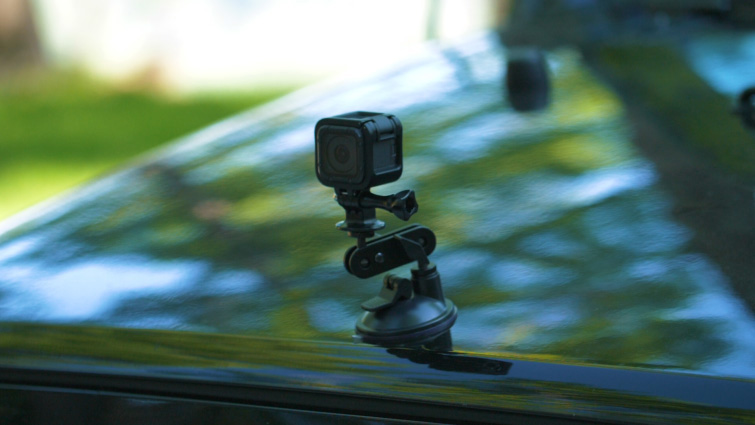
Integrating modern anti-aliasing tools into an existing post-production workflow requires minimal technical overhead, allowing editors to correct problematic footage efficiently during the finishing stage of production. For editors utilizing Adobe After Effects, the deployment of the FXAA plugin follows a standardized, intuitive pipeline.
First, the creator imports the problematic action camera or drone footage into the After Effects timeline and establishes a composition matching the source media’s native resolution and frame rate. Rather than applying global adjustments to the master layer, the editor navigates through the application menu to the effect library. By selecting the target footage layer and navigating sequentially through Effect, Plugin Everything, and FXAA, the plugin is instantly applied to the video stream.
Upon activation, the edge-detection algorithm immediately goes to work, smoothing out jagged pixel steps along high-contrast lines. For footage suffering from extreme over-sharpening or severe compression artifacts, the FXAA plugin offers modular scalability. Editors can duplicate the effect instance directly within the After Effects Effect Controls panel, stacking multiple layers of the algorithm to achieve a progressively refined smoothing effect without introducing the catastrophic loss of detail associated with legacy blurring methods. This granular control allows for precise calibration tailored to the specific optical characteristics of different camera models, ensuring consistent visual quality across multi-camera edits.
Broader Implications for Content Creators and Filmmakers
The availability of specialized, rapid anti-aliasing tools in post-production carries significant economic and creative implications for modern independent filmmakers, extreme sports videographers, and commercial content creators. Action cameras and compact drones offer unmatched versatility, allowing operators to capture dynamic, high-adrenaline perspectives from mounts, vehicles, and aerial viewpoints that would be entirely inaccessible to traditional cinema camera packages. However, the technical compromises historically required to use these devices—such as unmitigated aliasing and digital over-sharpening—frequently created friction when attempting to match action camera footage with primary B-roll captured on larger cinema sensors.
By streamlining the mitigation of digital sampling artifacts, tools like FXAA bridge the aesthetic gap between consumer-grade action hardware and professional production standards. Creators are no longer forced to discard compelling, hard-won footage due to technical flaws introduced by sensor limitations or forced firmware sharpening. Instead, they can rescue compromised shots in post-production, maintaining a uniform, high-end visual aesthetic throughout their projects. As action camera technology continues to evolve toward higher frame rates and larger sensor formats, the integration of intelligent, non-destructive post-production correction methods ensures that creators maintain absolute control over their visual narrative, elevating the quality of modern digital storytelling.