Optimizing Ornatrix Grooming in Maya: A Strategic Approach to Maintaining Viewport Responsiveness


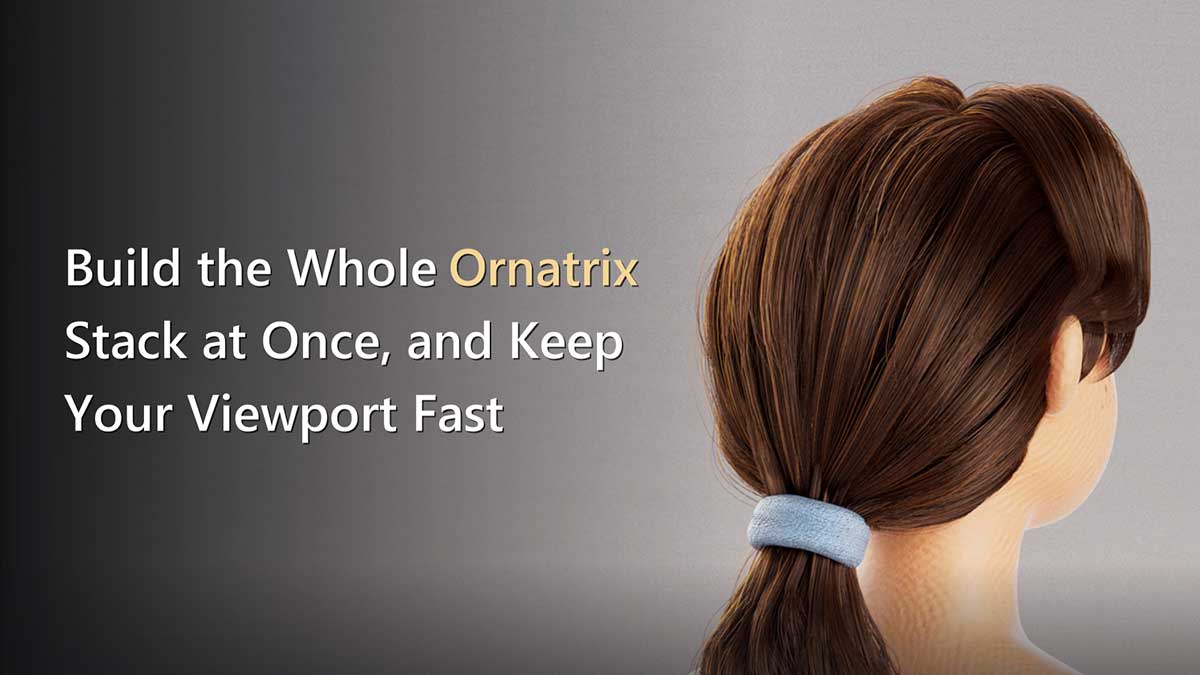
The demanding world of 3D character and creature development frequently encounters bottlenecks, none more pervasive in the grooming phase than the precipitous drop in viewport performance. As artists meticulously sculpt digital hair and fur using advanced tools like Ornatrix within Autodesk Maya, the addition of complex operators can quickly transform a fluid creative process into a frustrating, crawl-paced ordeal. Ruxin Liang, a distinguished 3D artist specializing in character grooming and look development, has introduced a pragmatic and highly effective methodology to counteract this prevalent issue, advocating for a proactive stack management approach that ensures artists can maintain a responsive viewport throughout the entire grooming lifecycle. This strategy centers on building a comprehensive operator stack upfront while intelligently disabling performance-intensive components, thereby preserving interactive feedback crucial for iterative design.
The Cruciality of Real-Time Feedback in 3D Grooming
In the realm of computer graphics, the creation of realistic hair and fur is one of the most computationally demanding tasks. From intricate hairstyles for cinematic characters to expansive fur coats for fantastical creatures in video games, the visual fidelity required by modern productions necessitates sophisticated grooming tools. Ornatrix, developed by Ephere, stands as a leading solution, offering a powerful, non-destructive operator stack system that allows artists unparalleled control over every aspect of hair generation, styling, and simulation. However, this power comes with a inherent computational cost. Each operator in the stack performs calculations, and when multiple complex operators are chained together, particularly those dealing with fine details, the cumulative processing overhead can bring even high-end workstations to a standstill.
A slow viewport is not merely an inconvenience; it represents a significant impediment to artistic flow and productivity. Artists rely on immediate visual feedback to make informed creative decisions. When every adjustment—a brush stroke, a parameter change—is met with a multi-second delay, the iterative process breaks down. This leads to increased frustration, extended production timelines, and a potential compromise on artistic quality as artists may be less inclined to experiment or refine details if the cost in time is too high. The traditional workaround, which involves adding detail-heavy operators only at the very end of the grooming process, often proves counterproductive. While it keeps the viewport fast initially, it forces artists to work on a simplified representation, making it difficult to visualize the final outcome. Discovering fundamental errors in broad flow or shape only after applying complex details necessitates backtracking, undoing significant work, and restarting portions of the grooming, thereby negating any initial time savings. Liang’s proposed methodology directly addresses this core challenge by allowing artists to visualize the full potential of their groom from the outset, albeit with a performance-conscious execution.
Proactive Stack Management: The Core of the Solution
Liang’s strategy hinges on a fundamental shift in how the Ornatrix operator stack is constructed and managed. Instead of progressively adding operators, the recommendation is to build the entire desired stack at the beginning of the grooming process. The critical distinction lies in the initial state of specific operators: performance-intensive ones are set to disabled. This approach ensures that the complete logical hierarchy of the groom is established from the start, in the correct order, providing a clear roadmap for the artist, while simultaneously maintaining a highly responsive viewport.
The Ornatrix operator stack evaluates sequentially from bottom to top, beginning with the hair generator. Liang outlines an optimized order designed to build the groom logically, moving from broad strokes to fine details:
- Surface Comb: Defines the primary direction and flow of the hair, typically set to
on. - Rotate: Further refines overall direction and orientation, also set to
on. - Clump: Introduces natural clumping effects, a computationally heavy operator, initially set to
off. - Curl: Adds curling patterns, another performance-intensive operation, initially set to
off. - Frizz: Generates subtle frizz and randomness, heavy on calculations, initially set to
off. - Detail: Adds fine-grain detail and texture, a complex operator, initially set to
off. - Noise: Introduces procedural noise for natural variation, computationally demanding, initially set to
off. - Gravity: Simulates gravitational effects, contributing to the hair’s natural drape and settle, typically set to
on. - Change Width: Controls the render-time thickness of strands, a render-tuning operator, set to
on.
This structured order ensures that foundational elements like direction and primary shape are established with immediate feedback. The "heavy" operators—Clump, Curl, Frizz, Detail, and Noise—are precisely those that demand significant computational resources due to their intricate calculations per strand and often inter-strand dependencies. By disabling these from the start, the artist can focus on refining the silhouette and broad forms without performance penalties. These detailed operators are then selectively enabled only when their specific visual contribution needs to be reviewed or fine-tuned, offering a controlled burst of computational activity rather than a constant drain.
Leveraging OxEnableOperator for Seamless Control
A crucial technical detail emphasized by Liang is the method of disabling operators. Ornatrix provides a dedicated command, OxEnableOperator "<node>" 0, to toggle the active state of an operator. Using this specific command is paramount because it not only stops the operator from evaluating but also synchronizes its state with the visual checkbox in the Ornatrix stack dialog. This synchronization is vital for maintaining clarity and avoiding confusion. Artists who might be tempted to use a generic nodeState pass-through command for disabling operators would find that while the operator might indeed cease evaluation, its checkbox in the UI would still appear "on." This discrepancy can lead to wasted time and frustration as an artist attempts to debug why a seemingly active operator is producing no results. The OxEnableOperator command, therefore, is not just a functional choice but a critical workflow integrity choice.
Optimizing Viewport Performance: Beyond Operator Disabling
Beyond the strategic management of operator states, another powerful lever for maintaining viewport responsiveness lies in controlling the number of strands displayed. This "view percentage" setting, found within the hair generator’s parameters, allows artists to drastically reduce the visual density of hair in the viewport without affecting the final render output. During intensive grooming sessions, dropping the view percentage to as low as 5% can provide a significant performance boost, making the viewport highly interactive. When a more comprehensive visual assessment is required, the percentage can be temporarily increased to 50% or higher.
It is imperative, however, to be aware of a critical distinction between Ornatrix’s two primary hair generators: OxGuidesFromMesh and OxGuidesFromStrands. The former interprets the "view percentage" value as a true percentage (e.g., 5 means 5% of strands), while the latter treats it as an absolute number of strands. Misinterpreting this can lead to unexpected results, such as requesting 500% of strands if an artist inputs ‘5’ into OxGuidesFromStrands thinking it’s a percentage, potentially causing Maya to clamp or misbehave. Understanding which generator is active and its specific interpretation of the view density parameter is essential for effective use of this optimization technique.
Refining the Workflow: Essential Default Adjustments
Liang also highlights two default settings in Ornatrix that, if not addressed, can frequently disrupt an artist’s workflow from the outset:
-
Fur Ball Length: A newly created fur ball in Ornatrix often defaults to excessively long guides. On most character models, this results in an obscuring mass of hair, making it impossible to see the underlying geometry or the character’s form. The immediate and repetitive action for most artists is to drag the length down. Liang recommends changing this default to a more manageable value, such as
1.0units, which can then be adjusted relative to the specific scene scale. This seemingly minor change eliminates an irritating initial step, allowing artists to dive straight into meaningful grooming. -
Strand Width Redundancy: Ornatrix’s default behavior can create confusion regarding strand width. A new fur ball often brings its own
Render Settingsnode, which dictates strand width. However, strand width can also be controlled by aChange Widthoperator higher up in the stack. This dual control mechanism is a common source of discrepancy, where strands appear thick in the viewport but render thin, or vice-versa. Liang’s solution is elegant: delete theRender Settingsnode associated with the fur ball and instead rely solely on aChange Widthoperator placed at the top of the stack, setting its value to a consistent0.05. This centralizes control, ensuring "one node, one answer" for strand width, thereby preventing render surprises and streamlining the look development process.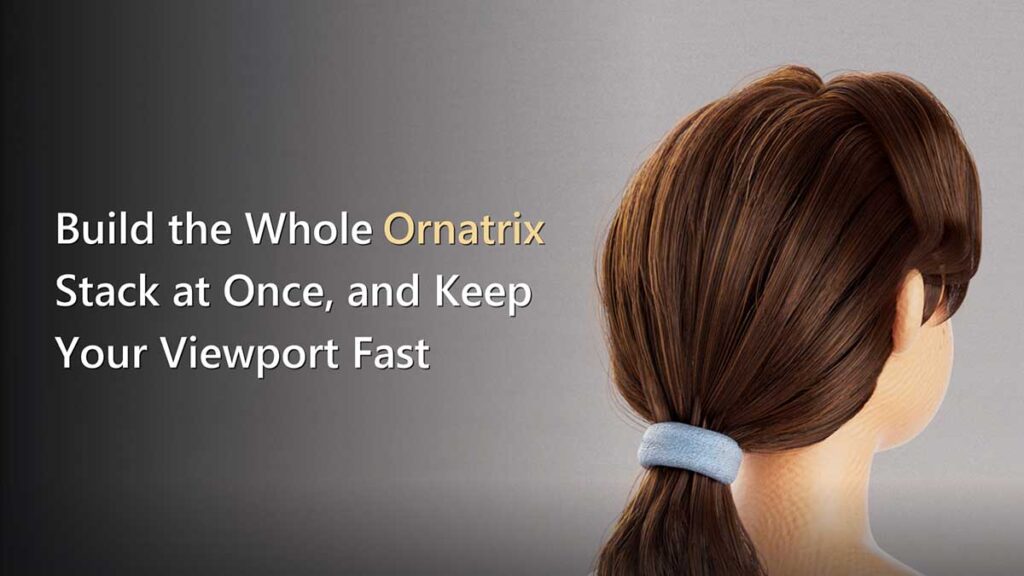
Addressing Common Pitfalls: The Clump Scramble
One specific operator, the Clump operator, can introduce a particularly vexing issue: "scrambled" clumps. Clumps are generated based on the state of the groom at the moment of their creation. If any upstream operators—those below the Clump operator in the stack—are modified, such as changing guide counts or distribution patterns, the underlying hair strands that the clumps are referencing can shift or disappear. This causes the previously coherent clumps to become distorted, misaligned, or entirely broken, presenting a seemingly inexplicable visual mess.
Fighting this issue through manual adjustment is often futile. The recommended fix is straightforward: if an upstream change has occurred, delete the existing clumps and then re-create them. The Clump operator provides dedicated "Delete" and "Create Clump(s)" buttons for this purpose. The crucial timing is to perform this sequence after any upstream modifications have been made, not before, ensuring that the newly generated clumps are based on the most current and accurate hair distribution. This simple yet critical step prevents significant time expenditure on attempting to correct fundamentally broken clump data.
The "Groomist" Tool and Broader Implications
Ruxin Liang has not merely articulated these optimization principles but has also translated them into a tangible, open-source solution: the "Groomist" Maya shelf tool. This tool automates the process of building the recommended operator stack with the heavy operators initially disabled. It also provides functionalities for toggling these operators in bulk and intelligently flipping the view percentage, correctly accounting for the specific generator in use. Released under an MIT license, Groomist empowers artists to integrate these efficient practices effortlessly into their daily workflow, allowing them to extract and adapt the parts of the tool that best suit their individual needs from GitHub.
The creation and open-source release of tools like Groomist underscore a vital aspect of the 3D community: the sharing of practical solutions by experienced practitioners. Such contributions are invaluable for studios of all sizes, from large-scale VFX houses to independent artists. By streamlining complex technical workflows, these optimizations contribute directly to faster iteration cycles, reduced production costs, and ultimately, higher quality artistic output. The methodologies described, while tested on Maya 2022 with Ornatrix for Maya 4.1.8, represent universal principles of performance management that are applicable across various versions and potentially other grooming packages. Liang’s caveat about node and command names potentially shifting between Ornatrix releases serves as a practical reminder for users to verify compatibility, a common practice in fast-evolving software environments.
In conclusion, Ruxin Liang’s comprehensive approach to Ornatrix grooming optimization provides a robust framework for managing the inherent computational challenges of realistic hair and fur creation. By emphasizing proactive stack construction, selective operator disabling, intelligent viewport density management, and thoughtful default adjustments, artists can reclaim control over their creative process. The core principles—prioritizing silhouette and broad forms, followed by regional control, then render response, and finally, ensuring handoff safety—represent a systematic and efficient pathway to achieving high-fidelity grooms without sacrificing the responsiveness that is essential for artistic excellence and timely production delivery. Liang’s contribution, both in theory and through the practical implementation of the Groomist tool, significantly enhances the accessibility of efficient grooming workflows for the entire 3D community.